Inspect characters and writing
Find invisible or lookalike characters, protect names, figures, links and quotations, and review 116 writing rules in the browser. The writing rules provide editing feedback; they do not decide authorship.
Open source · Free · No sign-up
Free AI checker tools for text, images and PDFs: a free AI detector that compares writing with AI-written examples, a reader for a file's signed origin data and protection for key facts, in your browser or chosen platform. Drafts are not stored.
Browser and platform tools
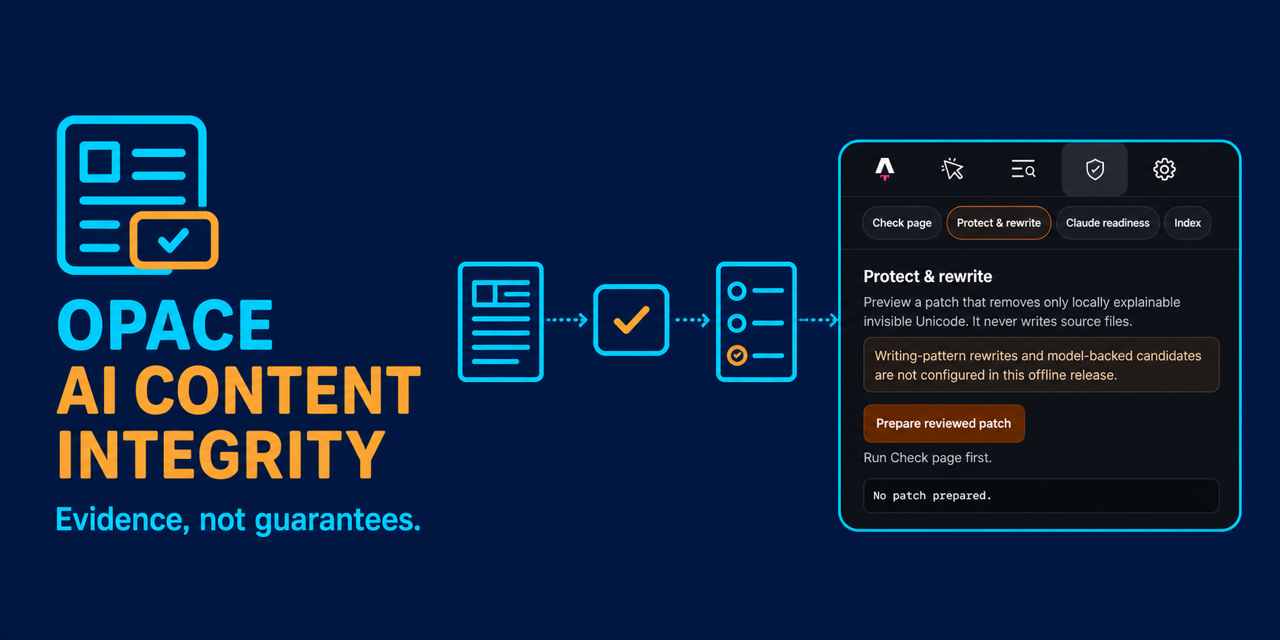
Protect names, figures and links
Every one of these AI detector tools shows which check produced each finding and keeps names, figures, links and quotations beside any suggested change. The same review format is used by the browser checker and the WordPress, Chrome and Astro versions.
How these AI detectors work
The free AI content checker separates invisible characters, writing patterns, file origin details and the trained AI reading, then shows the source and meaning of each result. Read the AI detector research, or try the AI watermark checker.
Find invisible or lookalike characters, protect names, figures, links and quotations, and review 116 writing rules in the browser. The writing rules provide editing feedback; they do not decide authorship.
Use the Opace server in Belgium for a quick result, or move the same trained model into your browser. The result names the route, shows the measured accuracy and keeps file-origin checks separate.
Run the published SynthID-Text calculation against three public Opace test keys in your browser, see the score for each key and export a hash-only receipt for the run.
Where your text goes
Frequently asked questions
Yes: every tool on this page is free and needs no account. The text checker's trained model is measured rather than claimed: through its default EU server route it detects 902/922 (97.8%) of AI-written long-form documents and wrongly flags 46/4,636 (0.99%) of human ones, and no result is proof of who wrote a text.
Use the free AI content checker for text and supported files, the free AI image and PDF checker to read a file's signed Content Credentials and declared metadata (evidence, never pixels), or the AI watermark checker to compare three public test keys. All three of the text, image and PDF AI detectors work without an account.
The available browser tools are free. In the free AI content checker every check runs in your browser except the AI model, which scores on Opace’s own EU server by default and can be switched to run in your browser instead; that page states which route is in use and what was sent.
No draft is kept. The checker holds the draft in browser memory for the current run, and on the default AI model route the whole document is sent to Opace’s EU server in one request, scored in memory and then discarded; your text is not stored or logged, the request leaves no per-visitor record, and each result prints how many words were sent. Our hosting platform keeps operational logs for 30 days that contain no part of your draft. Draft text, filenames, content hashes, findings, protected spans and receipt identifiers are never placed in the page URL, cookies, local storage or site analytics.
Use the Opace contact page with the product version, browser or platform version, expected behaviour and the smallest safe reproduction. Remove draft text, authentication tokens, personal data and customer information from screenshots or logs. Contact Opace.
Created by Opace Digital Agency
Opace designs practical AI and publishing workflows for organisations in Birmingham, across the UK and internationally.

Free · No sign-up · Draft not stored
Paste text or upload a supported file. Your draft is checked in memory and is not stored after the result is produced.