Get in Touch

Free · Private · Chrome & WordPress

Essential SEO Toolkit for Chrome & WordPress

Run a practical on-page SEO audit where you work, with clear findings, local accessibility and current-visit Web Vitals evidence.

Two platforms · One clear workflow

Audit the page. Understand the evidence. Choose what to fix.

Use Chrome for the page in your active tab, or bring the audit into WordPress for editors, same-site pages and ongoing review.

Choose the right surface

The same practical review, fitted to each platform.

Both versions keep the evidence close to the page. Their controls reflect the work people do in Chrome and WordPress.

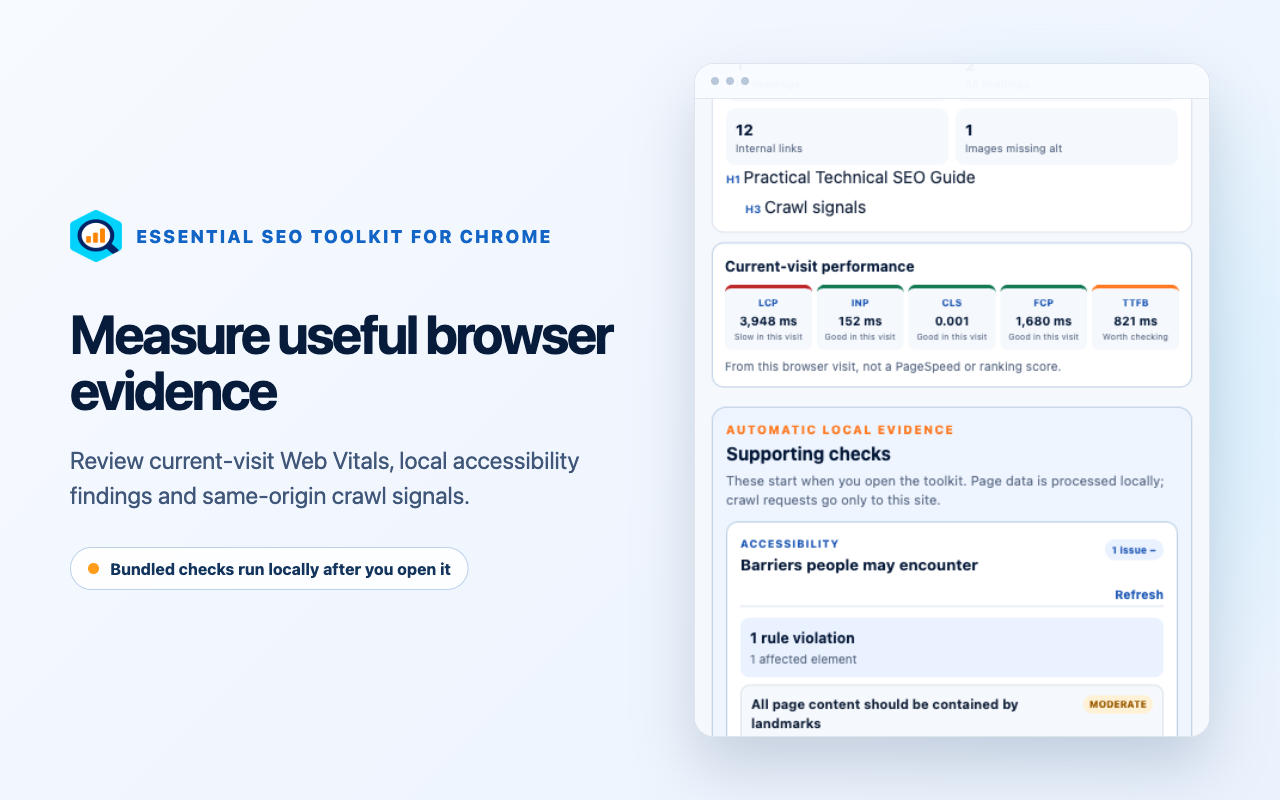
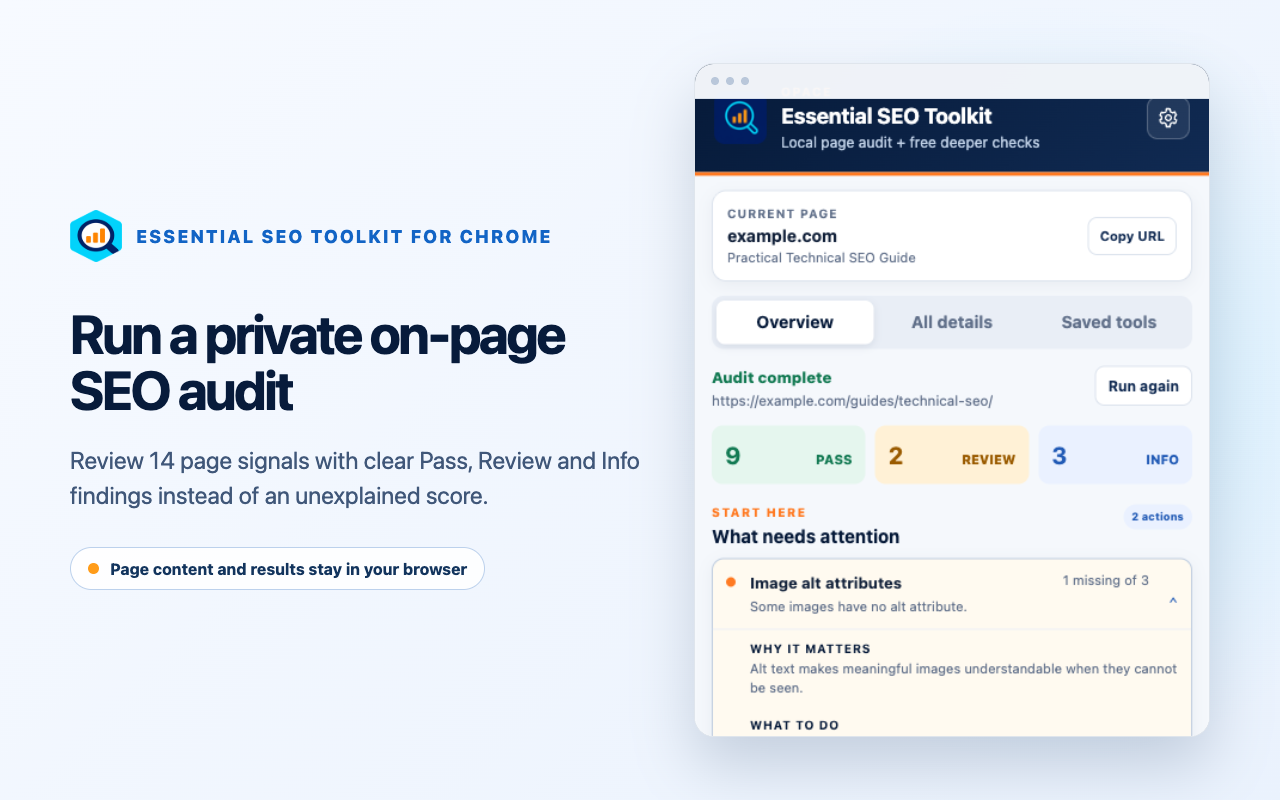
Essential SEO Toolkit for Chrome showing a completed local page audit
01 / Chrome extension · v5.0.1

Audit the active tab.

Open the extension on a public page to inspect its search appearance, headings, indexing, images, schema, social metadata and links. The extension has no broad host permission.

  • Local audit after you open it
  • Accessibility and current-visit Web Vitals
  • Page-aware saved tools across websites
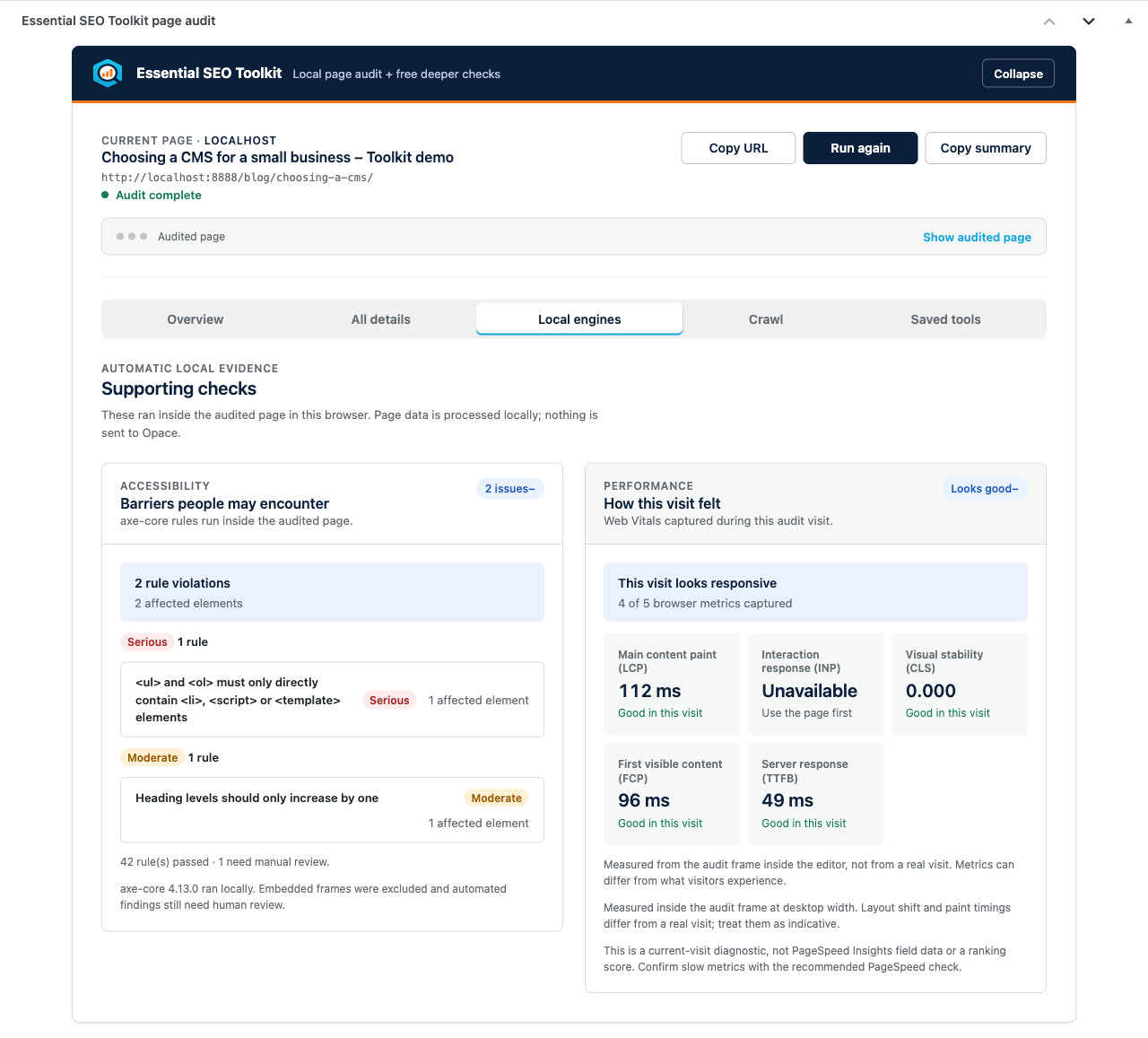
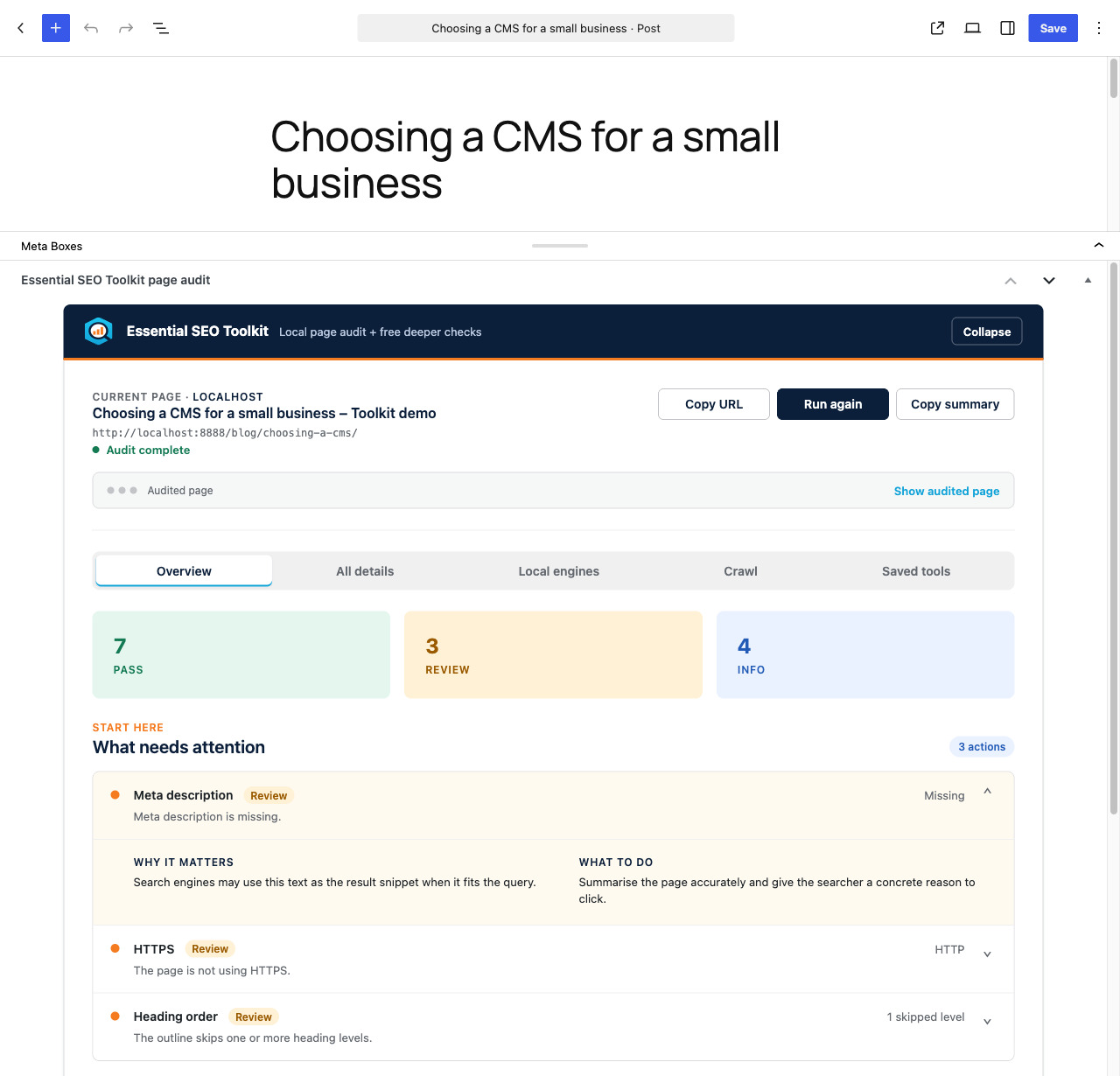
Essential SEO Toolkit for WordPress showing the page audit inside the block editor
02 / WordPress plugin · v2.0.0

Put the audit beside the editor.

Review posts, pages, custom post types, the home page and archives from WordPress. Compact summaries support post lists, bulk audits, the admin bar and dashboard.

  • Editor and same-site page audits
  • Local engines plus crawl signals
  • Saved tools and compact admin summaries

Evidence before action

Useful findings without an unexplained SEO score.

Each result names what the audit found, why it matters and what deserves review. Context and human judgement still decide the change.

14

Core page signals

Titles, descriptions, headings, canonicals, indexing, HTTPS, language, viewport, images, schema, social metadata, visible content and links.

3

Plain-language states

Pass, Review and Info separate common checks from measured observations without turning them into a ranking promise.

2

Local evidence engines

axe-core supports accessibility review; Web Vitals records LCP, CLS, INP, FCP and TTFB from the current visit when available.

Private by design

Your page is audited in your browser.

Page content and full audit results are not sent to Opace. Chrome stores settings locally. WordPress keeps only compact summary data for its admin views.

Deeper checks are separate websites. A page address reaches one only after you choose to open it, under that service’s own terms and privacy policy.

Before you install

Chrome, WordPress and privacy.

Do the Chrome extension and WordPress plugin run the same checks?

Both inspect the same core on-page areas and present clear Pass, Review and Info findings. Chrome audits the active tab after you open the extension. WordPress adds editor, same-site page, list-table, admin-bar and dashboard workflows, plus WordPress-side crawl signals.

Does the Essential SEO Toolkit send my page content to Opace?

No. The audit runs in your browser against the page you choose. Chrome keeps settings locally. WordPress stores compact summary counts for its admin views, not the full report. A page address reaches an independent deeper-check service only when you deliberately open that link.

Does the toolkit give an SEO score?

No. It reports Pass, Review and Info findings with the measured evidence and an explanation of what deserves attention. The checks are review prompts, not ranking guarantees.

Do I need both versions?

No. Choose Chrome to audit the public page in your active tab. Choose WordPress when editors need the audit and saved tools inside the WordPress admin area. You can install both when those workflows serve different members of the same team.

Are both versions free and open source?

Yes. The signed Chrome extension and WordPress plugin are free to install, and their source, licences, release history and issue trackers are public on GitHub.
Free on both platforms

Choose the version that fits your workflow.