Get in Touch

How Much Does a Website Cost in the UK? The Complete 2026 Buyer's Guide

Blog

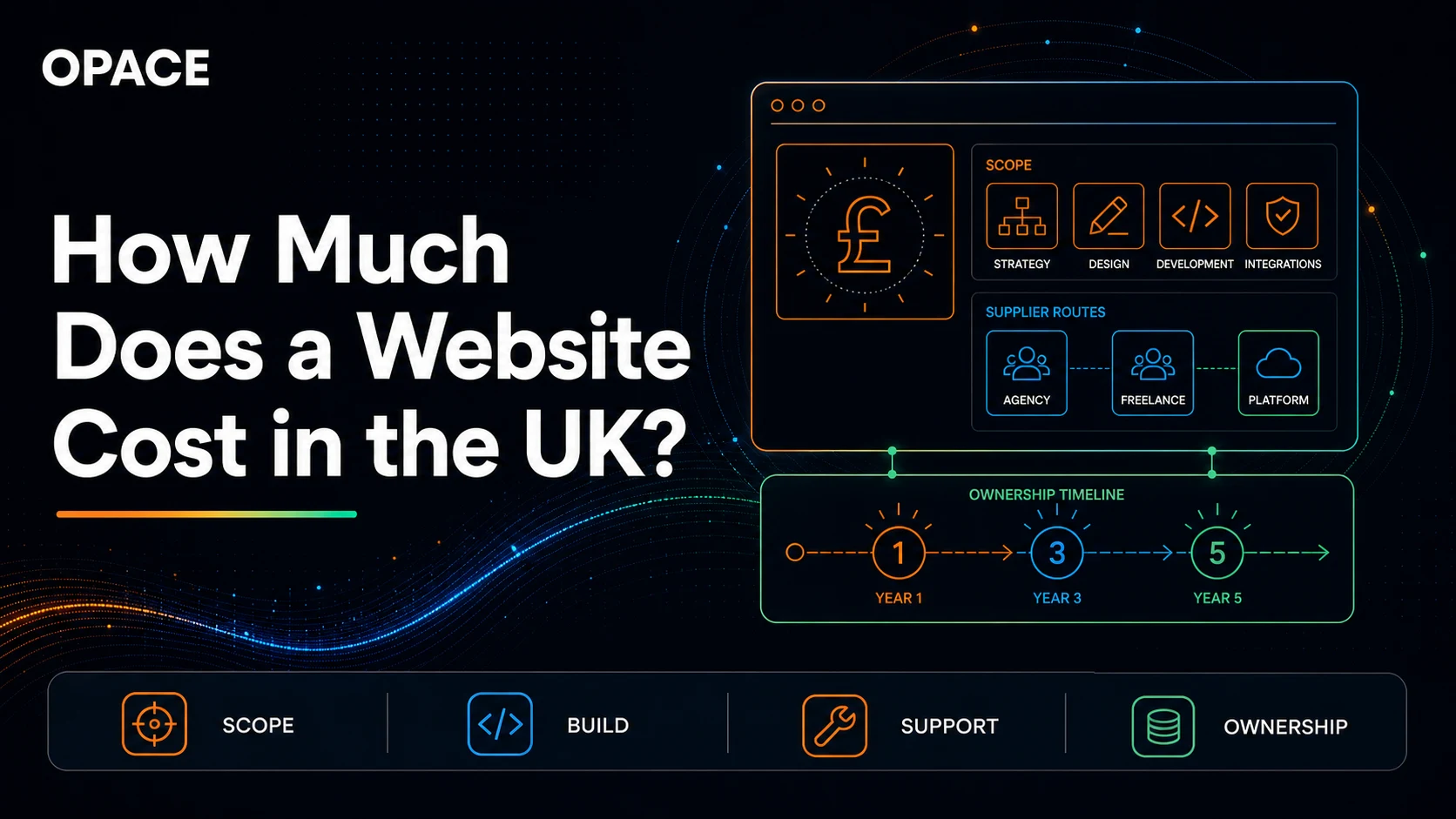
UK website cost planning diagram showing project scope, specialist roles, platform, support and five-year ownership
Website cost is the combined effect of scope, specialist time, technology and ongoing ownership, not a single universal tariff.

In a rush? Estimate your own website cost first

If you would like to understand what a website could cost for your own project before reading the full guide, answer seven short questions below. You will get a low-to-high planning range, a plain-English project summary, the person-days and role rates used, recurring-cost assumptions and clickable evidence. No contact details are required.

Independent planning estimate, with sources and assumptions shown

UK Website Cost Calculator

Answer seven questions to estimate setup, monthly, one-year, three-year and five-year costs.

No email required. Prices default to excluding VAT; you can add VAT in the results.

Step 1 of 7

What type of website do you need?

Select the option that best describes your primary goal.

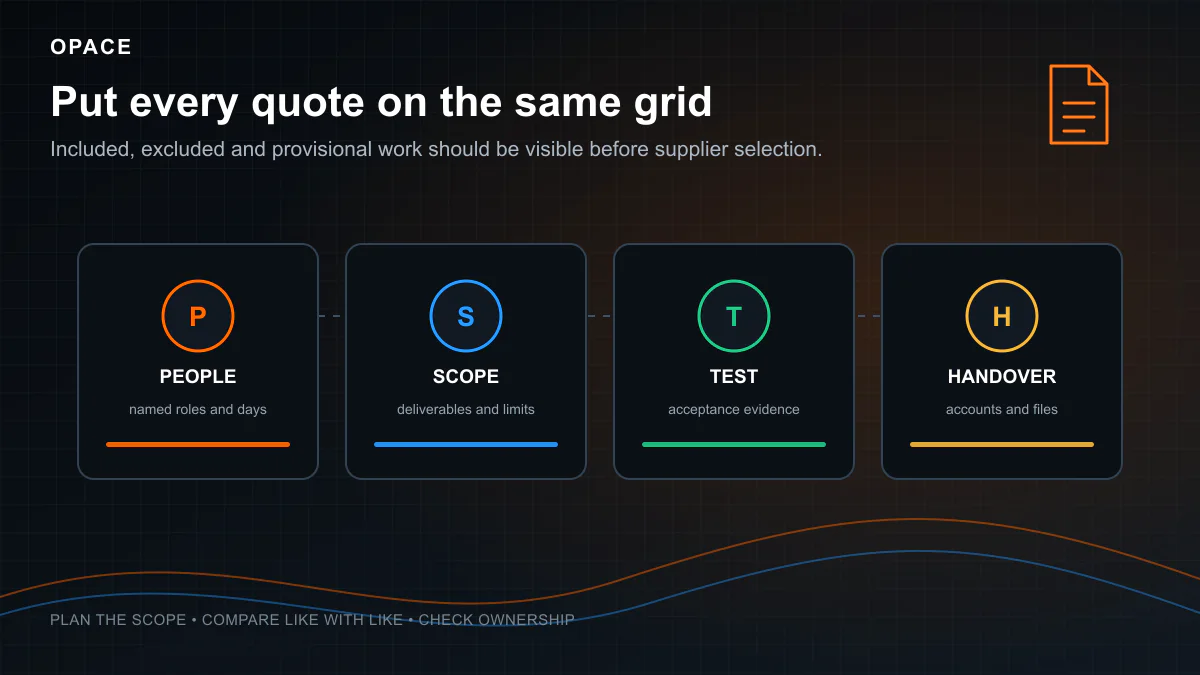
Ask five suppliers what a website costs and you may get five different answers because the scopes are rarely identical. One price may cover a template and five supplied pages. Another may include research, original design, migration, copywriting, accessibility testing, analytics and post-launch support. Comparing the totals without comparing those inclusions tells you very little.

It’s a bit like asking how much a car costs. A second-hand Fiat Punto and a new Range Rover are both cars, but they solve very different problems at very different price points. Website costs work the same way.

There is no authoritative UK tariff for a website. A do-it-yourself site can have no labour invoice, while a researched business site, online shop or custom application may require tens or hundreds of specialist days. The useful question is not “what does a website cost?” but “what work, risk and ongoing ownership does this price cover?”

This guide compares the main routes available to a UK buyer and explains the evidence behind the independent website cost calculator. The calculator is a planning model, not a quotation from Opace or any other supplier. It shows its assumptions, VAT treatment, relevant source links and one-, three- and five-year totals.

Here is the quick-answer summary:

Build routeSetup cost basisRecurring cost basisBest for
AI builder, DIY£0 labour invoice plus software and your timeTool, hosting and usage chargesPrototypes and low-risk experiments
DIY website builder£0 labour invoice plus subscription and your timeSupplier plan, domain, apps and emailSmall, straightforward sites
Self-managed WordPressSoftware is free; setup time or professional fees varyHosting, domain, extensions and maintenanceContent-led sites needing CMS control
Static siteDevelopment cost varies; hosting may start at £0 within limitsDomain, hosting usage and developer supportFast sites with a suitable editing workflow
FreelancerScope days × the agreed rateHosting, software and optional retainerProjects one generalist can cover safely
Specialist agencyMultidisciplinary scope days × blended ratesHosting and support agreementBusiness-critical SME websites
Larger agencyLarger team, governance and research scopeSupport, service levels and infrastructureComplex or high-risk programmes
eCommercePlatform plus catalogue, design, migration and integration workPlatform, apps, payments and operationsOnline retail and B2B commerce
Custom applicationDiscovery plus product, design, engineering, QA and operationsInfrastructure, monitoring and continuing developmentPortals, software products and custom workflows

This table deliberately avoids pretending that a named project price can be read from a national average. The calculator converts a defined scope into a range and keeps supplier prices separate from model assumptions.

Want the answer now? Open the website cost calculator. It asks for no contact details and gives the complete result before an optional Opace link. Every result exposes its assumptions and evidence.

Research method, price basis and limitations

Research was completed on 4 August 2026. Volatile prices were checked against supplier pages. Legal and regulatory points use GOV.UK or ICO guidance. Labour benchmarks use two current datasets and one named public rate card:

  • The YunoJuno 2026 Contractor and Freelancer Rates Report analyses more than 182,000 contractor, booking, skills and workforce data points from 2024 and 2025. It reports UK average day rates of £385 for design, £406 for project management, £452 for UX and £533 for software engineering. YunoJuno describes these as directional averages, not fixed prices.
  • The Government Commercial Agency Digital Outcomes service publishes a downloadable supplier-average rate file. At the date checked, average Digital Outcomes rates included £834.72 for developers, £839.67 for frontend developers and £856.62 for interaction designers. Some declared minima and maxima are clear outliers, so the calculator does not use them as a market range.
  • A named Rocktime G-Cloud 14 rate card lists £600 per day for junior development and content entry, £675 for middleweight design, development and QA, £825 for senior roles and £937.50 for directors. It is one supplier’s published rate card, not the whole market.

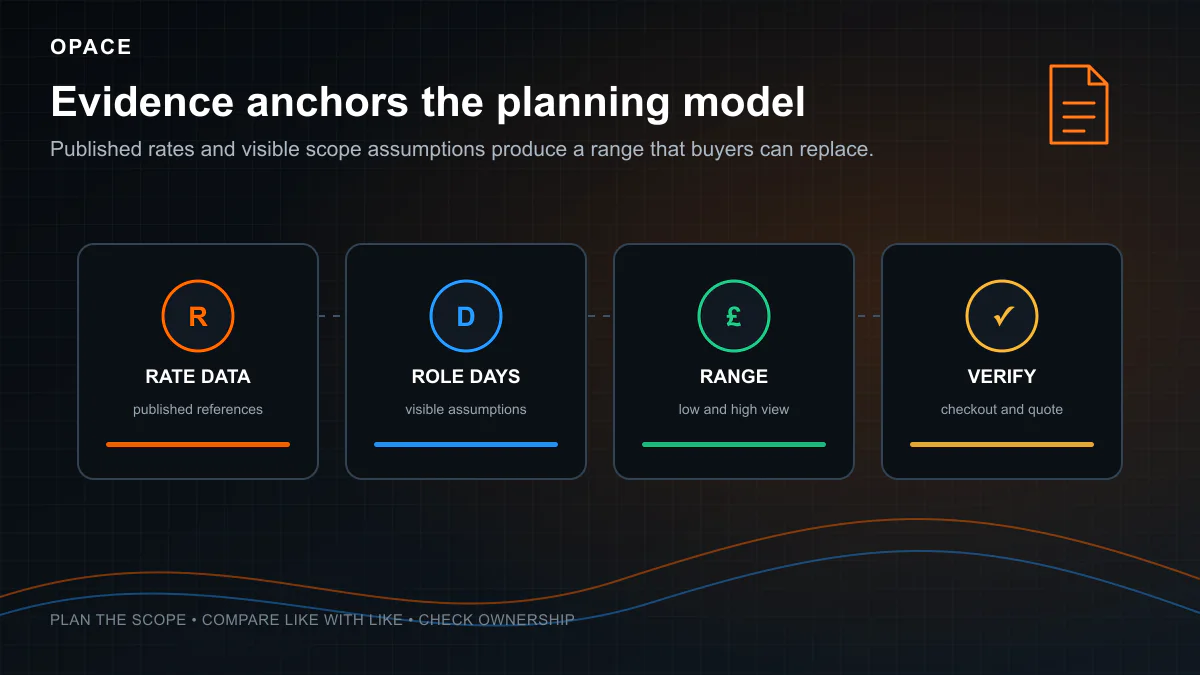
The calculator combines that rate evidence with explicit Opace planning assumptions for how much work different scopes may require. Those scope assumptions are editorial estimates, because no independent dataset defines a standard “20-page business website” and records comparable accepted quotations for it. Wider ranges indicate greater uncertainty. The model is intentionally not trained on or tied to Opace quotations.

Build and service estimates are shown excluding VAT by default. The results can add 20%, the current UK standard VAT rate, for comparison with VAT-inclusive quotes. Not every supplier is VAT-registered, so the tool never assumes VAT automatically. Supplier subscriptions may include or exclude tax and may change by country, billing term, promotion or account. Follow the linked supplier page before buying.

What actually determines website cost?

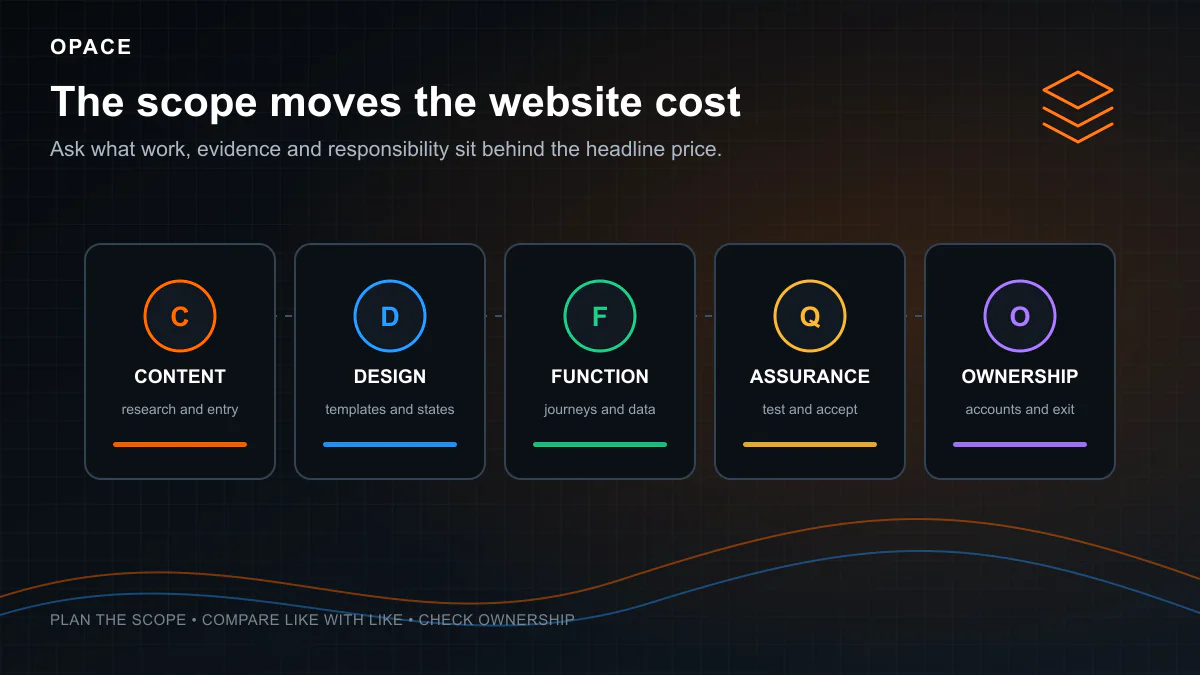
Before looking at specific price ranges, it helps to understand the ten factors that push costs up or pull them down. Two businesses asking for “a website” can end up paying wildly different amounts depending on where they land on each of these:

  1. Size and content volume. A five-page brochure site and a 500-product shop are not comparable. Reusable templates can keep development effort from rising page by page, while research, writing, migration, image work and review often still grow with each item.

  2. Design process. A pre-made theme can reduce original design and implementation work, but licence, configuration, brand adaptation, accessibility and testing still have a cost. Bespoke design usually adds research, concepts, prototypes, components and review. It may be justified by distinctive user or brand needs, but it does not automatically perform better.

  3. Functionality and assurance. A basic contact form can be relatively contained. Booking, accounts, payments, integrations and custom business rules add states, failure paths, data protection, security and testing. A familiar-looking feature can still be expensive when reliability or regulatory risk is high.

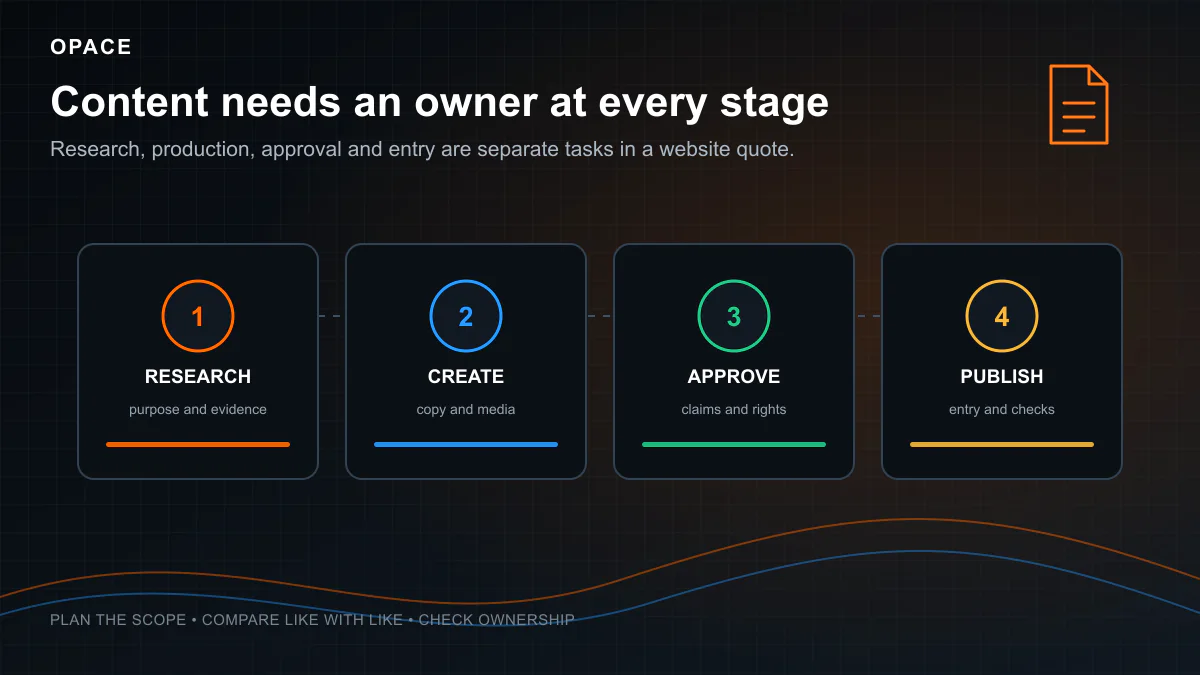
  4. Content responsibility. Decide who researches, writes, fact-checks, approves, enters and maintains copy, images, product data and metadata. Content may be customer-supplied, separately commissioned or included. Do not infer that from the build price.

  5. Platform and technology. Hosted builders charge plans and possible app or usage fees. WordPress software is free but implementation, hosting and extensions may not be. Static sites can fit free hosting tiers, subject to limits and commercial terms, but still require development and maintenance. Compare one-, three- and five-year ownership rather than assuming the launch price tells the story.

  6. Delivery model. A freelancer, specialist agency and larger agency have different combinations of overhead, continuity, governance and skills. Location or company size does not prove value. Compare the named team, estimated days, responsibilities, assurance and support.

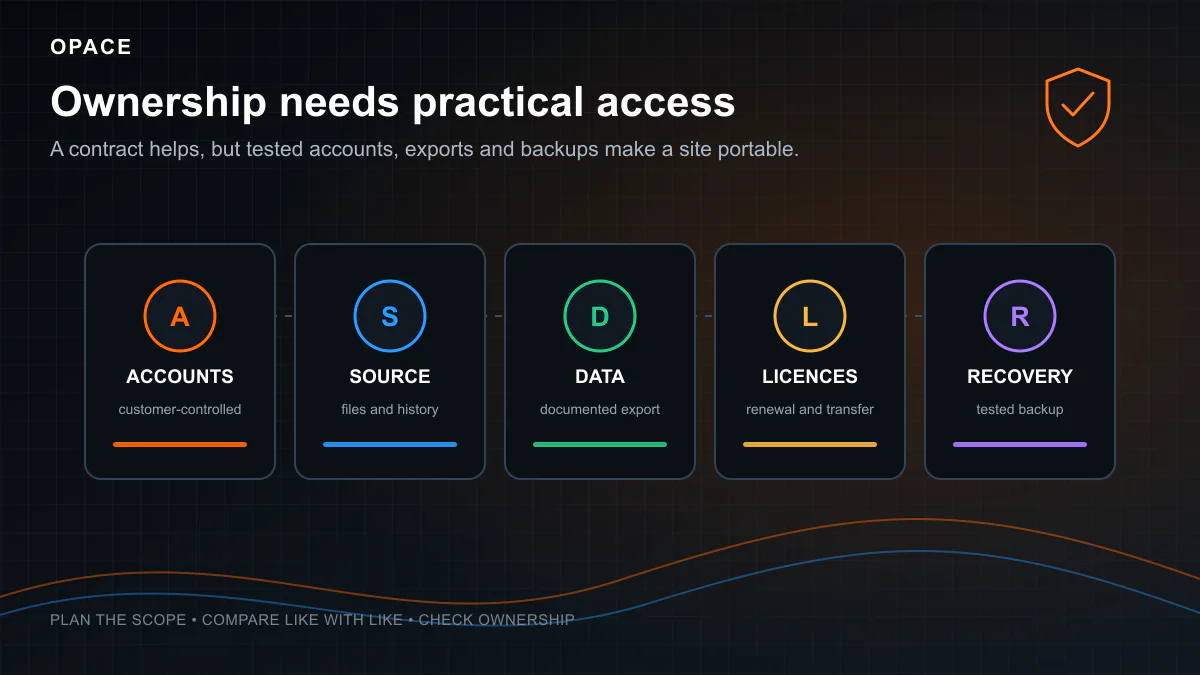
  7. Rights and portability. Open-source licences provide software freedoms, while hosted services provide contractual access. Neither label alone establishes ownership of customer content, commissioned code, themes, accounts or data. Put rights, exports and handover in the contract.

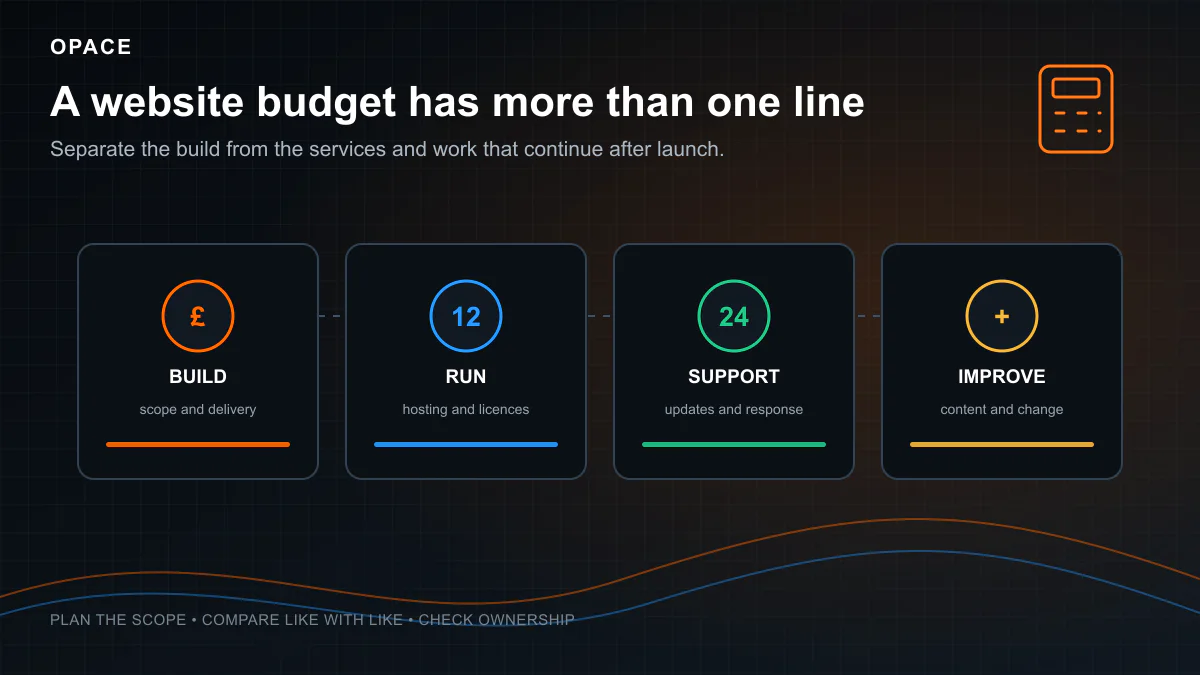
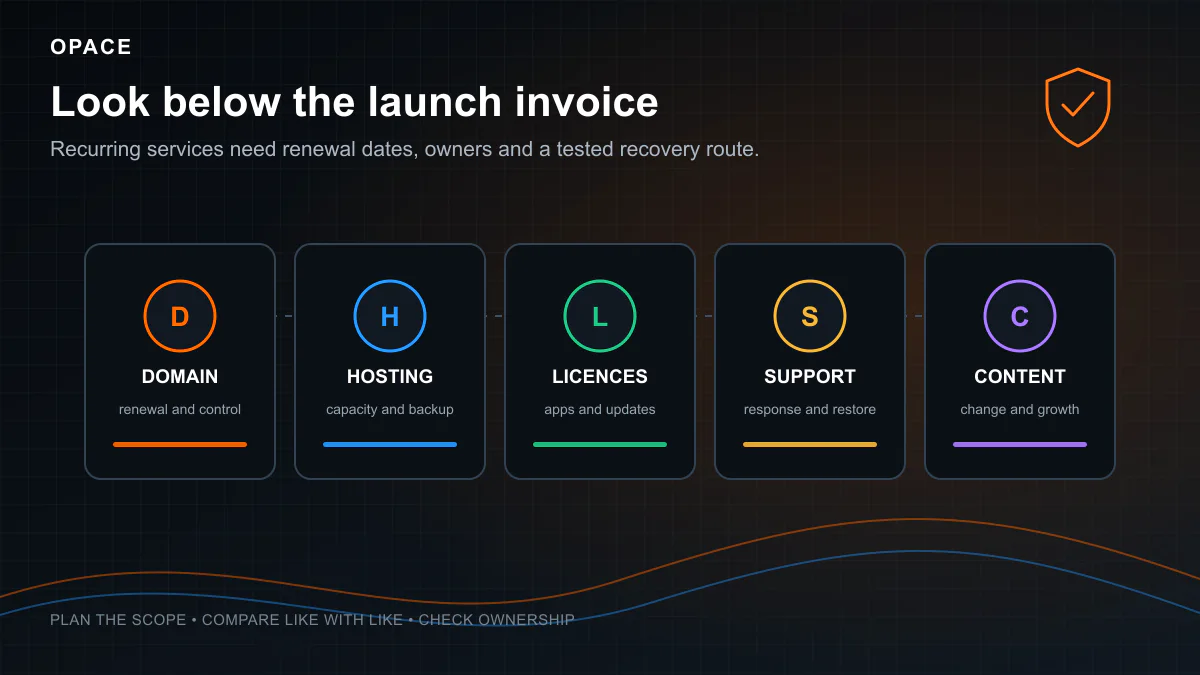
  8. Ongoing operation. Domain renewal, hosting, licences, monitoring, updates, content, support and marketing can continue after launch. Assign an owner and renewal date to each rather than treating “maintenance” as one unexplained line.

  9. Supplier location and operating model. Location can affect salary, rent and travel, but this research did not find a current, like-for-like dataset that proves a dependable London percentage uplift for website projects. Compare the actual team, rate basis, scope and tax treatment instead of applying a regional multiplier.

  10. Exit risk. Wix says its site must remain on Wix infrastructure; Squarespace and Shopify document partial exports; open-source and custom builds can still depend on private licences, accounts or undocumented deployment. Test the actual handover rather than treating a platform name as a yes-or-no portability answer.

UK website ownership cost diagram connecting a business website to domain renewal, hosting, software updates, security, backups, content, analytics and support
A website budget needs to cover the services and responsibilities that continue after launch, not only the initial build.

The seven website building routes in 2026

Most pricing guides cover three options: build it yourself, use WordPress, or hire an agency. In 2026, there are actually seven distinct routes, each with different cost profiles, trade-offs, and use cases. Two of these (vibe-coded AI sites and agentic agency builds) barely existed before 2024.

AI website builders: low entry cost, variable production risk

“Vibe coding” is an informal term for directing an AI system primarily through natural-language prompts, often without reviewing every implementation detail. AI builders can generate layouts and code quickly, but the subscription is not the project cost. Briefing, factual review, design decisions, testing, security, accessibility, legal compliance, deployment and maintenance still belong to a person or organisation.

Here is what is available right now:

PlatformCurrent position checked 4 August 2026Cost point to verify
ChatGPT SitesOpenAI says public publishing was not available in the UK at launch and Sites was not on Free or GoCheck OpenAI’s current Sites documentation before treating it as an option
BoltFree and paid token allowances; usage depends on how much project context the system readsCheck Bolt token and subscription guidance
LovableFree allowance plus credit-based paid plans and hosting usageCheck Lovable pricing
v0Free plan with included credits; paid team plans are priced per userCheck v0 pricing
ReplitFree Starter; paid Core and Pro include credits, with deployment usage rulesCheck Replit pricing

These tools can produce a convincing visual result before the underlying work is complete. The following are review points, not claims that every AI-built site contains the same faults:

  • Fabricated placeholder content (fake pricing, dummy testimonials, invented company details)
  • Forms that do not submit anywhere
  • No SEO structure (missing meta titles, no schema markup, no heading hierarchy)
  • Mobile layout issues on real devices
  • No accessibility compliance
  • Generic template-like design that looks like every other AI site
  • No analytics, conversion tracking, or cookie consent

The cost that a free plan does not measure

A £0 subscription does not value the owner’s time or the cost of correcting defects. It also says nothing about whether a custom domain, commercial use, sufficient hosting, repository export, backups or team access is included. The calculator therefore shows AI-builder software as an allowance and applies normal professional costs when a user selects migration, integrations, payments, accounts or accessibility work. It does not invent a universal “AI saving”.

Public-sector websites and apps generally need to meet WCAG 2.2 AA under the accessibility regulations. GOV.UK also states that UK service providers have reasonable-adjustment duties under the Equality Act 2010, but that is not the same as saying WCAG is a universal statutory checklist for every private website. See the GOV.UK accessibility requirements and take legal advice for a specific organisation.

Prompt-led building may be proportionate for a disposable prototype, personal experiment or low-risk internal proof of concept. For customer-facing, transactional, regulated or search-dependent work, require the same privacy, security, accessibility, content and quality evidence you would require from any other implementation route. AI use alone neither qualifies nor disqualifies the result.

We have written about this in detail in our vibe coding vs agentic coding case study, which compares both approaches on a real 113-page project.

AI website prototype moving through expert requirements, accessibility, security, testing and deployment checkpoints before production
AI can accelerate a prototype, while requirements, accessibility, security, testing and deployment remain part of production delivery.

DIY website builders: Wix, Squarespace and GoDaddy

DIY website builders are the established middle ground between free AI tools and professional development. You pick a template, add your content and publish without maintaining the underlying code.

Pricing is less straightforward than a single comparison table suggests. Wix says prices and currencies vary by location and that the final price appears at checkout. Squarespace similarly presents local offers and billing choices dynamically. GoDaddy publishes UK introductory and renewal prices on its pricing page. Those prices can change independently of this article, so use the linked supplier pages for a purchase decision.

PlatformWhat to verify before buyingCurrent primary source
WixRegional plan, billing period, storage, commerce features, apps and renewal totalWix UK plan selector
SquarespaceLocal checkout price, billing period, commerce fees, extensions and renewal termsSquarespace plans
GoDaddyIntroductory price, renewal price, included features, commerce limits and termGoDaddy UK website pricing

The calculator therefore uses a monthly planning allowance rather than presenting a supplier’s temporary promotion as a permanent cost. Replace that allowance with the checkout total for the plan you would actually buy.

Additional costs people forget

The monthly platform fee is not the full picture. Check these items on the same date as the plan price:

  • domain registration or renewal, including whether the first year is promotional
  • the plan required to connect a custom domain or remove platform branding
  • premium templates, apps, extensions and usage-based charges
  • business email, which is commonly a separate per-user subscription
  • payment-provider and platform transaction fees for online sales
  • migration work if you later change platform

The honest trade-offs

Strengths: a relatively quick route to launch, no server administration, an integrated editor and supplier support.

Limitations: design and integration choices are bounded by the platform; apps can increase the total cost; performance and SEO depend on the template, content and implementation; and moving away may require substantial rebuilding.

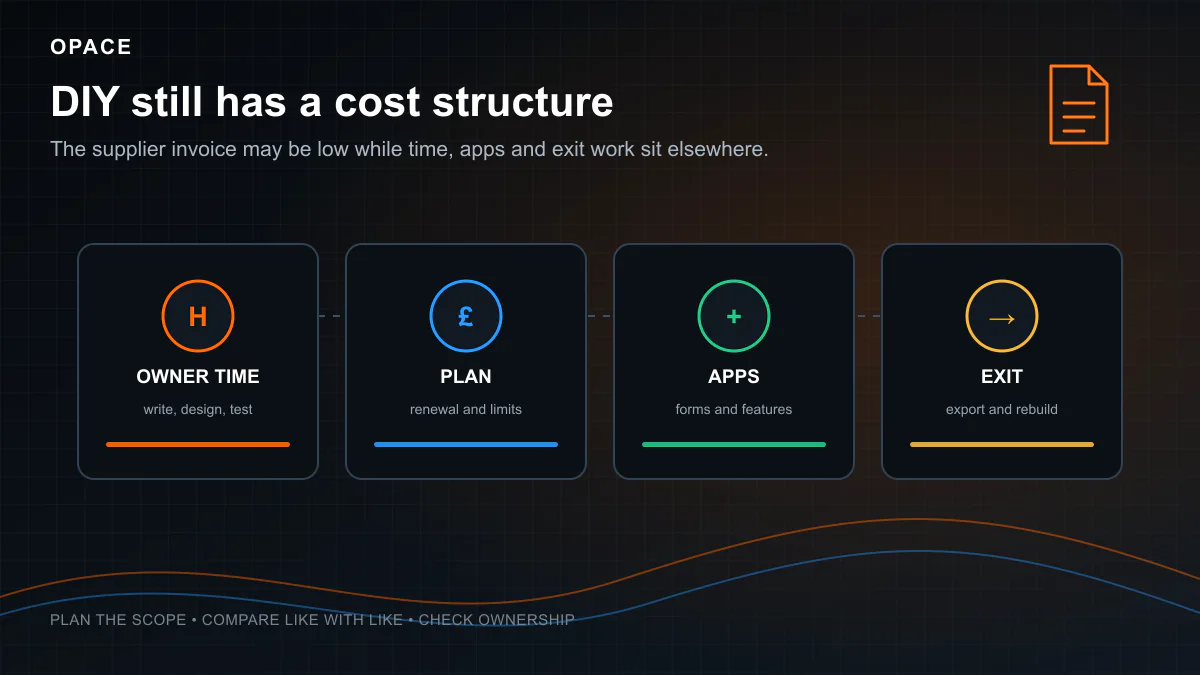
Portability is not identical across platforms. Wix says a Wix site must run on Wix’s servers. Squarespace can export some content to WordPress XML, but not every page type, style or feature. You still own rights in content you created, subject to the contract and third-party licences, but you do not receive a portable copy of the hosted platform itself. Ask for an exit plan before the site becomes business-critical.

DIY website cost comparison showing hosted builders, self-hosted open-source CMS and static sites across effort, recurring cost, portability and maintenance
Compare DIY routes across setup effort, recurring charges, portability and who is responsible for maintenance.

WordPress and open-source CMS

WordPress is free, open-source software distributed under the GPL, as explained in the WordPress licence. A self-hosted installation normally gives the customer control of the database and files, but ownership and portability still depend on the project contract, access credentials, theme and plugin licences, and third-party services. Do not assume that using WordPress alone settles those questions.

The cost comes from hosting, themes, plugins, and (if you hire someone) setup and customisation.

WordPress cost breakdown

Cost componentWhat changes the price
DomainRegistry, registrar, suffix, introductory offer and renewal price
HostingShared, managed, virtual private server or cloud; traffic, storage, backups and support
ThemeFree, commercial, custom-designed and whether renewal is required
PluginsRequired functions, sites covered, annual renewal and usage limits
SetupContent migration, design, configuration, integrations, testing and training
MaintenanceUpdates, backups, monitoring, incident response and service level

Plugin costs that add up

This is where WordPress can become more expensive than the free software label implies. Forms, page building, backups, security, caching, multilingual content, subscriptions and advanced commerce may each introduce a separate licence. Prices and licence terms change, so this guide does not reproduce a shopping list that will date quickly. Build a plugin register instead: supplier, purpose, owner, renewal date, number of sites, data processed, replacement plan and current checkout price.

Those renewals belong in the one-, three- and five-year cost, alongside the labour required to test updates. Managed hosting can automate parts of the process, but automation does not remove the need for backups, compatibility testing or a recovery plan.

Other open-source CMS options include Joomla and Drupal. The software licence may be free while discovery, implementation, hosting, support and specialist labour are not. Opace offers WordPress development, Joomla development and Drupal development; those are commercial service links, not evidence for the market rates in this guide.

WooCommerce can also require paid extensions for shipping, filtering, subscriptions or other business rules. Compare the whole configured store, including hosting, maintenance, extension renewals and payment processing, with Shopify’s subscription, apps and payment terms. Neither is automatically cheaper for every store.

WordPress website cost breakdown showing design, development, content, plugins, hosting, security, testing and support around the CMS core
The WordPress software licence is free, but a working project can include one-off implementation work and recurring hosting, licence and support costs.

Static sites and modern frameworks: Astro, Next.js and Jamstack

This is the option that none of the top-ranking competitor guides mention, and it is increasingly relevant in 2026.

A static site generator such as Astro, Hugo or Eleventy can produce HTML at build time from files or a content source. Frameworks such as Next.js can use static generation but can also render dynamically. Removing a public CMS database can reduce some maintenance and attack surface, but it does not guarantee speed or security. Images, scripts, third-party tags, deployment settings and dependencies still matter. Google defines good Core Web Vitals thresholds at the 75th percentile of real visits; a framework name is not evidence that a site meets them.

Why this matters for cost

Cost ComponentTraditional CMS (WordPress)Static Site (Astro + Netlify)
HostingPaid or bundledMay fit a free tier; commercial use and limits must be checked
TLS certificateCommonly includedCommonly included
DatabaseRequired (MySQL)Not needed
Security patchesCore, themes and pluginsFramework, packages, build service and integrations
ExtensionsCMS and plugin updatesPackage and integration updates
CDNHost-dependentHost-dependent
Version controlNot standardGit (free via GitHub)
PerformanceDepends on implementationDepends on implementation

Free hosting that actually works

Several platforms offer genuinely useful free hosting tiers for static sites:

PlatformFree TierBandwidthCustom DomainBuild Limits
GitHub PagesYesPublished limits applyYesIntended for eligible static projects
NetlifyYes300 credits per monthYesUsage consumes credits
VercelHobbyPlan limits applyYesRestricted to non-commercial personal use
Cloudflare PagesYesStatic asset requests are free and unlimitedYes500 builds per month on Free

Netlify’s current credit-based documentation lists 300 monthly credits on Free, $9 for Personal and $20 per member for Pro, with usage consuming credits. Free hosting is therefore a possible outcome for a qualifying low-usage project, not a universal zero-cost promise. Opace’s use of Astro is an example of its own implementation choice, not independent evidence that every Astro project will be free or fast.

Do you need a CMS?

The honest answer depends on how often you update content and who does the updating:

  • If non-technical editors publish frequently, compare the editing, preview, approval and rollback workflow before choosing a static architecture.
  • If changes already pass through a developer and deploy pipeline, file-based content may be practical.
  • If editors need a CMS interface, a headless CMS can feed a statically generated front end, but it adds another service, integration and possible subscription.

For a deeper comparison, see our guides on Jamstack development and Next.js development.

Static and Jamstack website architecture showing content and code passing through a build process to page files, a CDN and a browser
Static delivery moves work into the build process; assess the specialist setup alongside hosting, editing and ongoing development needs.

Freelance web designer or developer

Freelancers can provide direct access to the person doing the work and may have a simpler cost base than a multi-person agency. The important comparison is not the label but the named person’s capability, availability, insurance, process, deliverables and support arrangements.

UK freelancer rates by role (2026)

YunoJuno disciplineReported average day rate
Design£385
Project management£406
UX£452
Software engineering£533

These are directional averages from the YunoJuno 2026 Freelancer Rates Report, which says its analysis covers more than 182,000 data points and removes statistical outliers. They are not minimum or maximum website rates, and a blended project can involve several disciplines.

Typical freelancer project costs

The calculator’s freelancer bands are planning assumptions derived from the project’s scope and those day-rate signals. They are not claimed as published UK tariff bands. A quote should state the estimated days, rate, deliverables, rounds of revision, content responsibility, testing and contingency, so you can reconstruct the total.

The honest trade-offs

Strengths: direct communication, a clear individual specialism and potentially less organisational overhead.

Risks to check: whether one person is a single point of failure; which skills are subcontracted; cover during absence; professional indemnity insurance; data protection; and what post-launch response is contractually included. These are questions, not assumptions about every freelancer.

Lock-in is governed by the delivery arrangements, not whether the supplier is a freelancer. Put the repository in an account the customer controls, document deployment and configuration, record third-party licences and provide an export and handover test. Standard technology helps, but no honest supplier can promise that an unfamiliar developer will take over with zero cost.

Freelance website project workflow compared with a coordinated specialist web design agency team
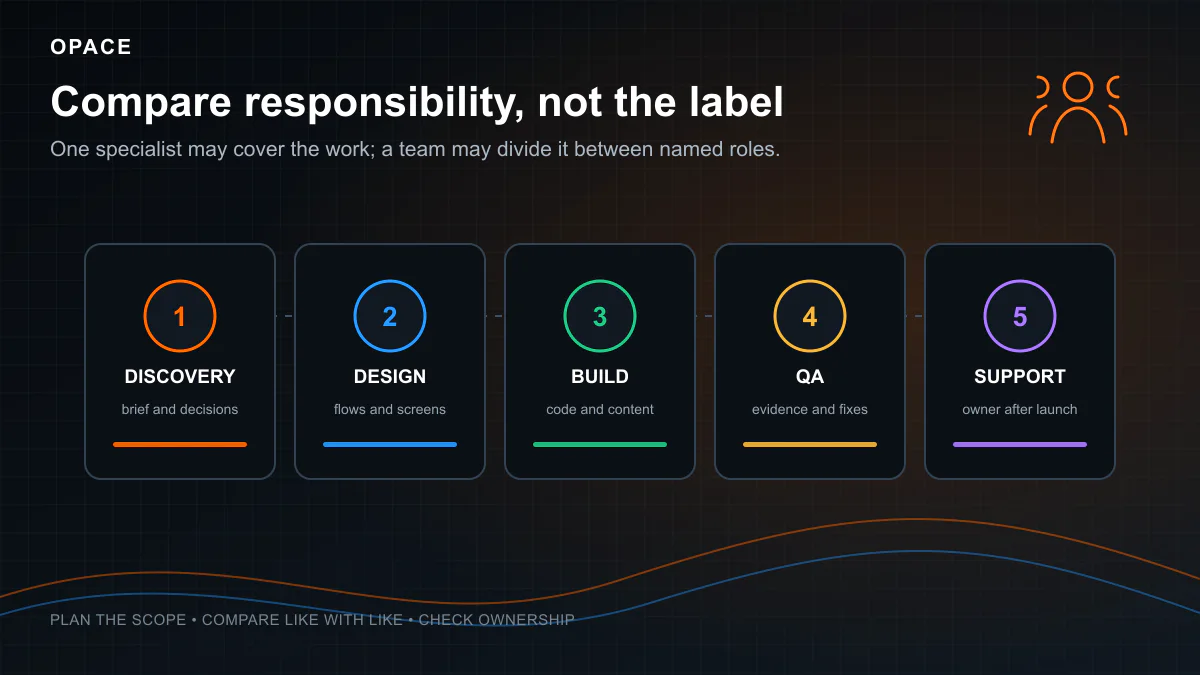
A freelancer may cover several project functions personally, while an agency may coordinate distinct specialists. Compare the actual people, responsibilities, availability and support offered.

Web design agency

An agency can combine discovery, design, development, content, SEO, testing and delivery management. It may also give better continuity than a single-person supplier. Neither quality nor completeness follows automatically from the word “agency”, so compare named people, evidence and contract scope.

A defensible agency-rate benchmark

The UK Government’s Digital Outcomes and Specialists 7 supplier report provides published average day rates by role. In the Digital Outcomes data, averages include £834.72 for a developer, £839.67 for a frontend developer, £856.62 for an interaction designer, £846.46 for a content designer, £928.82 for a delivery manager and £815.83 for a tester. The underlying government CSV is downloadable from the framework opportunities service.

This is public-sector framework data, not a survey of small-business brochure websites. It is useful evidence for the order of magnitude of multidisciplinary supplier rates, not a claim that every agency charges the averages. The dataset also contains extreme submitted minimum and maximum values, so this article does not use those outliers as a consumer price range.

A second public reference point is Rocktime’s G-Cloud 14 rate card, which publishes £600 per day for junior and content roles, £675 for middleweight design, development and QA, £825 for senior roles, and £937.50 for director roles. This is one supplier’s rate card, not the whole market, but it makes the relationship between role mix, seniority, days and quote value auditable.

What you are actually paying for

When comparing an agency quote with another quote, check whether it includes:

  • discovery and a documented, approved scope
  • user experience and interface design, including the number of concepts and revision rounds
  • technical SEO requirements, redirect planning and measurement setup
  • content planning, writing, entry, migration and sign-off
  • browser, device, accessibility, performance, form and integration testing
  • project management, training, warranty and post-launch support
  • accessibility remediation and a route for reporting problems

Roles and day rates on a larger agency project

RoleWhat the role contributesDOS7 average day rate
Delivery managerPlan, risks, dependencies and communication£928.82
Interaction designerUser journeys, interaction and interface decisions£856.62
Frontend developerResponsive front end and browser behaviour£839.67
DeveloperApplication, CMS and integration development£834.72
TesterTest planning, execution and defect evidence£815.83
Content designerUser-centred content structure and copy£846.46

The quote should make clear whether those roles are separate people, whether work is simultaneous, and how many days are included. Multiplying a published rate by assumed weeks would create false precision, so the calculator instead applies documented low and high planning bands to the scope selected by the user.

This research did not find a current like-for-like source that supports a dependable “London costs 20 to 40 per cent more” rule. Location may affect costs, but team composition, seniority, scope, tax, procurement requirements and delivery model can matter more. Opace is based in Birmingham; its web design services and portfolio are commercial information and are deliberately separate from the independent benchmarks above.

AI-assisted agency builds and agentic coding

AI-assisted delivery is now a genuine route, but there is not yet a robust independent UK dataset that proves a universal percentage saving for website projects.

In this guide, agentic coding means using coding agents inside a human-governed delivery process: written requirements, source control, review, automated tests, security and accessibility checks, and accountable sign-off. The term describes a working method. It does not certify quality and it does not make an AI-generated output correct by default.

How agentic coding changes the cost equation

FactorConventional workflowAI-assisted workflow
Research and draftingPrimarily manual tools and templatesAgents can collect, transform and draft, subject to source verification
DevelopmentDeveloper writes and reviews implementationAgent may propose implementation; developer remains responsible for review
TestingManual and automated testingThe same tests remain necessary; agents can help create and run them
Cost effectLabour and scope determine the quoteEfficiency may reduce effort, expand scope or increase review; there is no universal discount
AccountabilitySupplier and customer contractSupplier and customer contract; the model is not accountable

Opace case study: useful first-party evidence, not a market benchmark

Opace built the Cofton Drainage & Jetting Services website using an AI-assisted workflow and Astro. Its related vibe coding vs agentic coding case study is Opace’s account of its own work. It can be inspected as a delivery example, but it is not an independent controlled study and cannot establish a general cost, timescale or ranking outcome for other projects.

That distinction matters because this calculator is not an Opace quote engine. It does not apply a claimed “agentic saving”. Instead, it uses wider scope-based planning ranges and tells the user to obtain itemised quotes. If Opace is later asked to quote, that quote stands separately from this editorial tool.

Why agentic coding still requires a professional agency

The relevant buying questions are practical:

  1. Which model and third-party services can receive customer data, code or content?
  2. Which sources support factual content, and who checks each claim?
  3. Which automated and manual tests must pass before release?
  4. Who reviews security, accessibility, privacy, licensing and search requirements?
  5. Does the contract make the supplier accountable for the output regardless of which tools were used?

AI assistance may be useful where a project has repeatable patterns, a mature design system and strong automated checks. It may be a poor fit where requirements are unresolved, data is highly sensitive or the supplier cannot explain its verification process. Opace offers AI web development and programmatic SEO; these are clearly identified commercial links.

Website cost by type and complexity

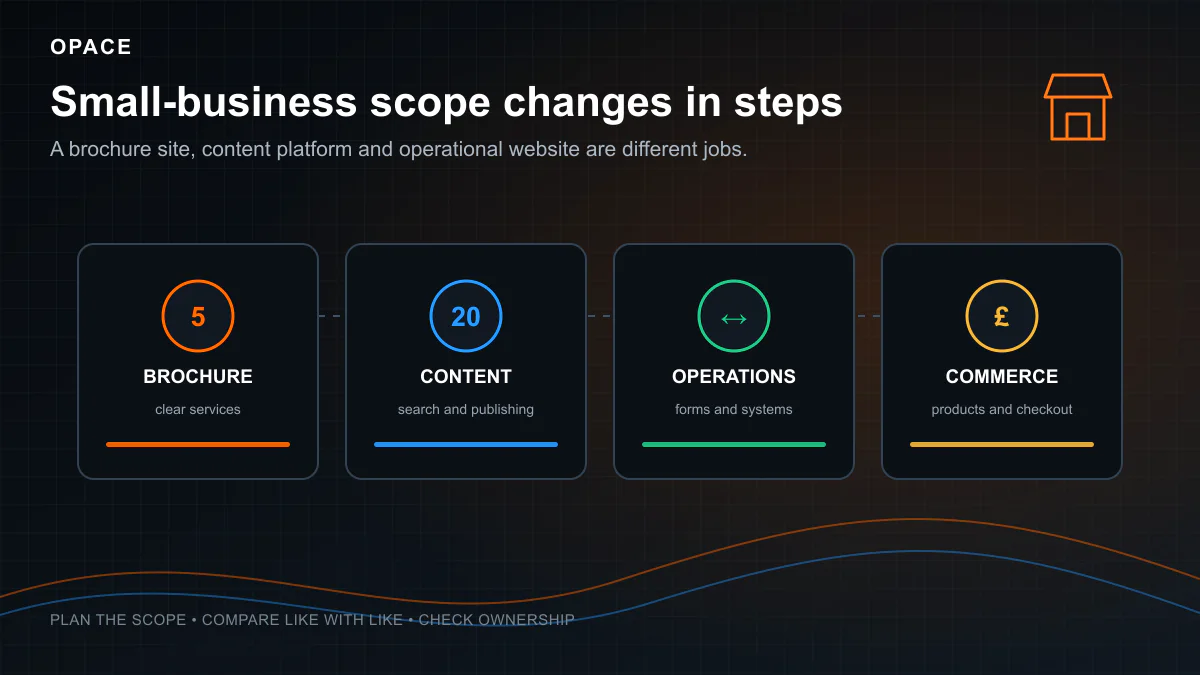
The build route you choose is half the equation. The other half is what kind of website you need. A five-page brochure site and a 500-product online shop require fundamentally different levels of design, development, content and ongoing investment.

The ranges in this section are the calculator’s transparent planning bands, not published national averages or Opace prices. They are deliberately broad and calibrated against the freelancer and agency labour evidence above. They assume a new UK project with ordinary business content, no unusual legacy system and no undiscovered technical constraint. Migration, complex integrations, accessibility remediation, large catalogues, specialist content and regulated requirements can materially change the total. Use the ranges to form a budget and compare itemised quotes, not as a promise of what any supplier must charge.

The calculator now works from person-days rather than multiplying opaque price bands. For example, its base 6-to-30-page business website allows 11 to 26.5 days across project management, design, development, content entry, QA and handover before design, content or feature additions. A 1-to-5-page brochure site allows 8.5 to 17 days. Selecting a specialist agency applies the published Rocktime-based role allowances of £600 to £937.50 per day, depending on role and seniority; selecting a freelancer uses the YunoJuno discipline anchors. Every result shows the arithmetic by role.

Simple brochure website (1–5 pages)

A standard small business brochure site with a homepage, about page, services overview, contact page, and a few supporting pages. This is the most common type of website for tradespeople, consultants, local professionals, and new businesses establishing an online presence.

RouteBase effort before additionsHow setup cash cost is calculated
DIY8.5–17 person-days£0 labour invoice; your time is not assigned a cash value
Freelancer8.5–17 person-daysRole days × YunoJuno-anchored freelance allowances
Specialist agency8.5–17 person-daysRole days × £600–£937.50 public-rate-card anchors
AI-assisted agency8.5–17 person-daysSame initial agency assumptions; no automatic AI discount

At the lower end of the brochure-site planning band, a quote may be based on template configuration and customer-supplied content. Do not assume that forms, maps, responsive testing or metadata are included: make each item explicit.

Copywriting, photography, identity design, analytics and consent, SEO research, accessibility testing, content migration and post-launch support are common scope boundaries. Suppliers package them differently, so the quote must say whether each is included, excluded or customer-supplied.

A higher quote may fund research, custom design, content work, search planning, measurement, broader testing and support. Price does not prove that those activities occur. Ask who performs them, how many days are allowed and what evidence is handed over.

Two brochure-site quotes can differ because one allocates time only for configuration and supplied content while another allocates research, original design, writing, accessibility and broader testing. Compare the days and deliverables rather than assuming either price signals quality.

Business website (6–30 pages)

A more developed business site with individual service pages, team profiles, blog, case studies, testimonials, and contact functionality. This is the standard for established SMEs, professional services firms, and businesses where the website needs to actively generate enquiries.

RouteBase effort before additionsHow setup cash cost is calculated
DIY11–26.5 person-days£0 labour invoice; your time remains visible in the result
Freelancer11–26.5 person-daysRole days × YunoJuno-anchored freelance allowances
Specialist agency11–26.5 person-daysRole days × Rocktime-anchored agency allowances
Larger agency11–26.5 person-daysRole days × DOS7-anchored multidisciplinary allowances

Do not infer inclusions from price alone. A £5,000 to £10,000 quote might include custom layouts, a blog, forms, analytics, technical SEO foundations, testing and post-launch support, or it might not. Require each deliverable and acceptance test to be written down.

Commonly disputed items include copywriting, photography, content entry, redirects, analytics consent, SEO research, accessibility testing, staff training and support. Whether they are included is a contract question, not a market rule.

Content can delay a project when responsibility, approval dates and dependencies are unclear. Agree who supplies each page, image, product record, legal statement and translation; what format is required; and what happens when an approval is late. This is more useful than claiming a universal saving from preparing content early.

Content and blog-heavy website (30–100+ pages)

Sites where content is the primary business driver: knowledge bases, resource centres, location-page networks for local SEO, industry blogs, and content-marketing-led businesses.

RouteBase effort before additionsImportant variable
Freelancer28–70 person-daysWhether one person can safely cover design, development, content and QA
Specialist agency28–70 person-daysPage templates, content model, migration quality and review load
AI-assisted agency28–70 person-days initiallyAny saving must be shown in the supplier’s itemised days, not assumed

Content-heavy sites involve both fixed work and per-item work. Templates, content models and automation are fixed or semi-fixed. Research, writing, editing, fact-checking, image rights, internal linking, entry and review can grow with every page. Ask suppliers to separate those units so a change from 50 to 100 pages can be priced intelligibly.

AI can reduce the time spent on some repeatable transformations, but it can also create extra verification, rewriting and governance work. Google advises site owners to create helpful, reliable, people-first content; producing many pages with AI is not in itself an SEO advantage. Cost the review and evidence process, not only the first draft.

Content-heavy sites need an owner and an update policy. The right frequency depends on whether facts, products, services and user needs change. Budget for measurement, corrections, pruning and technical upkeep, but do not publish merely to satisfy a calendar.

eCommerce website

eCommerce website costs vary enormously depending on the platform, product count, payment complexity, and custom functionality required. This is the category where the gap between “minimum viable” and “properly built” is widest.

The estimator’s eCommerce base allows 34 to 87 person-days for a store of up to 250 products across discovery, design, development, standard catalogue and checkout configuration, content work, QA and launch. That is why a professionally scoped WooCommerce or Shopify implementation can exceed £5,000 to £10,000 before subscriptions, apps, custom integrations or difficult migration. The calculator’s optional payment feature means donations, subscriptions or other work beyond the shop’s standard checkout, so it is not charged twice. A much smaller store using a ready-made theme and clean customer-supplied product data may take less; a multi-market, subscription, B2B or heavily integrated store may take more. The result screen exposes the selected additions rather than claiming that every store fits one setup price.

PlatformMonthly CostSetup/Dev CostTransaction FeesBest For
Shopify£19–£259/mo on annual billingPlanning range depends on scopeCheck plan and payment-provider termsManaged hosted commerce
WooCommerceHosting and extension prices varyPlanning range depends on scopeCheck payment-provider termsOpen-source WordPress commerce
Adobe Commerce / MagentoLicence and hosting model varyRequires specialist scopeCheck payment-provider termsComplex and enterprise commerce
BigCommerceCheck current regional planPlanning range depends on scopeCheck plan and provider termsHosted B2B/B2C commerce
Headless or customServices and usage varyRequires bespoke scopeCheck provider termsAPI-first and custom operations

Platform app and extension costs can materially alter eCommerce ownership costs:

  • Shopify apps use different recurring, usage-based and one-off pricing models.
  • WooCommerce extensions can have annual renewals, site limits and dependencies.
  • Magento and Adobe Commerce extensions may require implementation and support in addition to the licence.

Shopify’s UK pricing page currently lists Basic at £19, Grow at £49 and Advanced at £259 per month when billed annually, with Plus starting at £1,800 per month on a three-year term. It also publishes card and third-party payment-provider rates by plan. Those are supplier prices, retrieved 4 August 2026, not a guarantee that the same price will remain available.

What eCommerce costs beyond the platform

The platform subscription is only the starting point. A realistic first-year budget for a small-to-medium eCommerce site includes:

  • product photography, image processing, product descriptions and data import
  • payment-provider configuration, transaction charges and testing
  • shipping, tax, stock, fulfilment and accounting integrations
  • returns, cancellation and refund workflows, with requirements explained in the UK Government’s distance-selling guidance
  • privacy and consent implementation; the ICO’s cookie guidance explains when consent is required
  • accessibility, customer-service processes, fraud controls and operational training

A supplier cannot infer a defensible first-year total from “50 products” alone. Product variants, data quality, photography, tax, shipping, payment methods, markets, subscriptions, integrations and content ownership all change the work. The calculator’s eCommerce range is an initial planning allowance and exposes platform costs separately.

For more on eCommerce options, see our guides on eCommerce development, WooCommerce development, headless eCommerce, and B2B eCommerce.

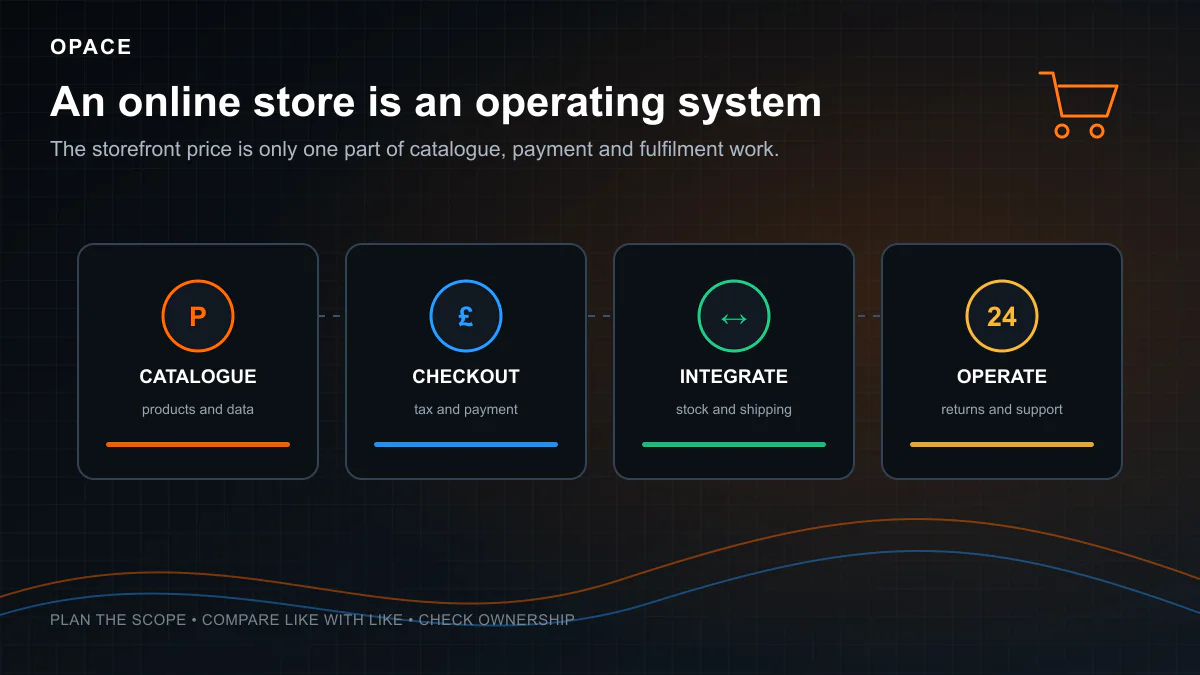
eCommerce website cost breakdown connecting an online shop to catalogue, design, payments, shipping, integrations, migration, hosting, security and support
An eCommerce estimate should separate one-off store build and migration work from the platform, apps, security and support needed to operate it.

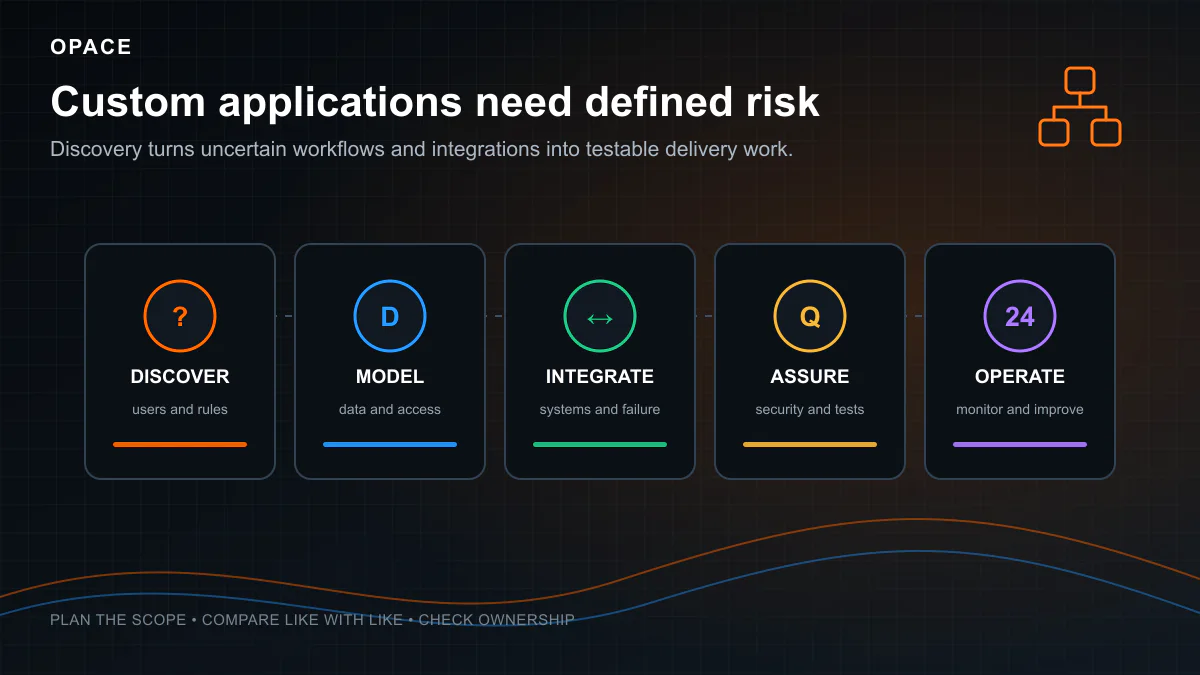
Custom web application or SaaS

Custom web applications (portals, booking systems, SaaS products, internal business tools) are a different category entirely. If your project requires user authentication, role-based permissions, database-driven functionality, third-party API integrations, or custom business logic, you are building software, not a website.

Calculator starting scopeBase effort before selected additionsWhat makes it move
Custom web application96–322 person-daysNumber of roles, workflows, integrations, data sensitivity, assurance and operational requirements

The web-application range is intentionally wide because the input is still only a category. User accounts, payments, search and integrations add explicit person-days in the calculator. A discovery engagement should replace this generic range with an evidence-backed backlog and architecture before a build is procured.

Custom applications require work that is not visible in a screen count: authentication, authorisation, data modelling, validation, failure handling, audit trails, automated testing, deployment, monitoring and security maintenance. It would be misleading to assign a universal number of hours to “a login page” because using a managed identity service and building a bespoke high-assurance identity system are different projects.

The work may need product or delivery management, research and design, frontend and backend engineering, testing, infrastructure and security expertise. One person can cover several roles on a small project; larger or higher-risk work may need independent review. Use the published role-rate evidence above and ask for estimated days rather than assuming a five-person team works every day.

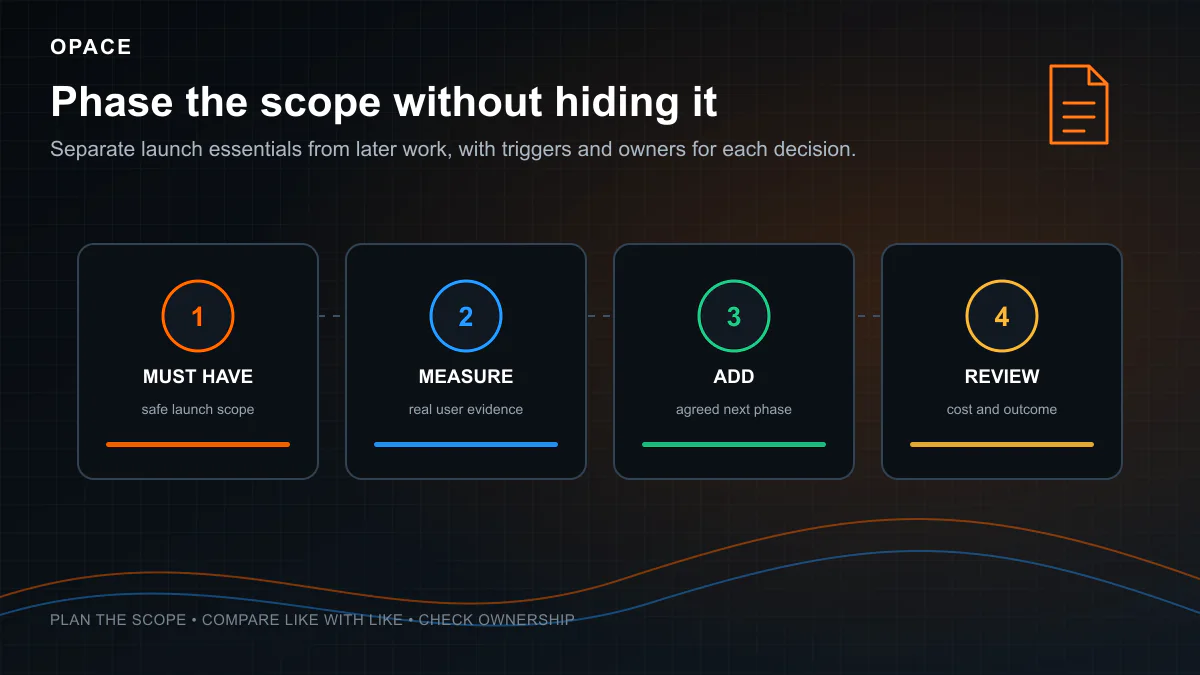
Define the smallest testable release, validate the riskiest assumptions and make acceptance criteria observable. Phasing can reduce the amount committed before learning, but it does not guarantee a percentage saving and may increase total cost if temporary work is knowingly replaced.

These projects are bespoke software development, not “building a website” in the traditional sense. The skill set, tooling, and process are fundamentally different. See our web application development and bespoke development services for more detail.

Platform-by-platform pricing comparison

For quick reference, here is every major platform compared on the factors that affect long-term cost:

Platform or routePrice source to checkWhat is portableCost question that changes the decision
ChatGPT SitesOpenAI Sites availabilityCheck current terms and export featuresIs it available for your UK plan and intended use?
BoltBolt token and subscription guidanceConfirm repository, data and deployment accessWhat happens when included tokens or hosting are exceeded?
LovableLovable pricingConfirm code sync, data and deployed servicesWhich usage, hosting and collaboration limits apply?
WixWix UK plansContent rights remain; the Wix site itself must be hosted on WixWhat is the renewal and app cost for the required plan?
SquarespaceSquarespace pricingSome content exports; design and many features do notWhat fails to export and would need rebuilding?
WordPress.orgWordPress GPLDatabase and files can be portable if access and licences are handed overWho owns the accounts, commercial licences and maintenance duty?
ShopifyShopify UK pricingProducts can be exported by CSV; themes can be downloaded subject to licence and feature limitsWhat do apps, payments, theme work and migration add?
WebflowWebflow pricingExport capability varies by plan and featureWhich CMS, form, localisation and hosting features remain platform-dependent?
Static or framework buildHosting and software licences varyUsually portable when the customer controls repository, content and service accountsDoes the free host permit commercial use and fit measured usage?

SEO and scalability are not scored as one-word platform attributes because implementation quality, content, information architecture, integrations and operational capacity matter. A platform can enable or constrain a requirement, but choosing one does not guarantee rankings, speed or scale.

The ownership column is an orientation, not legal advice. Separate copyright in your content, licence rights in software, control of accounts and domains, access to data, and the practical ability to recreate or migrate the service. OpenAI’s current Sites help article says Sites was unavailable in the UK at launch and unavailable on Free and Go plans, so it must not be presented as a free UK recommendation.

Ongoing, hidden, and forgotten costs

The upfront build cost is only part of the equation. Every website has recurring costs, and failing to budget for them is one of the most common mistakes businesses make.

In the calculator, “recurring monthly cost” is not an unexplained maintenance figure. It equals the platform or hosting allowance, plus maintenance hours multiplied by an hourly equivalent of the selected supplier’s day-rate band, plus one-twelfth of annual plugin or extension allowances, plus one-twelfth of the domain allowance. Basic maintenance assumes 1 to 3 hours per month, full support 3 to 8 hours, and managed service 8 to 20 hours. Handover-only assumes no paid support. The result displays each component separately. It excludes ongoing SEO campaigns, advertising, photography, translation, stock, fulfilment and payment-processing fees unless stated.

Domain name

A domain’s retail price depends on the suffix, registrar, registration term, promotion and renewal price. As a useful cost-floor reference, Nominet’s wholesale fee schedule lists £3.90 excluding VAT for a one-year .uk registration or renewal. A registrar’s retail price is higher and may bundle other services. Premium names are a separate resale market and cannot be represented by a dependable range here.

Always record the non-promotional renewal price, VAT treatment, auto-renewal setting and the account that controls the registration.

Web hosting

The figures below are editable calculator allowances in GBP per month, excluding VAT. They are not observed national averages or permanent provider prices. They exclude the separately listed domain, extensions, email and support costs; introductory offers are not assumed. Check the supplier’s current checkout for the actual plan, renewal, usage limits and tax treatment.

ApproachMonthly calculator allowanceBasis and exclusions
AI development tool£0–£100Free or paid tier; check UK availability, publishing, hosting, usage and commercial-use terms
DIY builder (Wix/Squarespace)£10–£160Broad planning band; check the required plan, billing term, promotion, renewal and tax at checkout
WordPress hosting£4–£100Shared-to-managed planning band; support, domain and commercial extensions are separate
Static site hosting£0–£20Depends on measured usage, features, support and commercial-use terms
VPS or cloud for a custom stack£20–£500Initial infrastructure allowance before unusual traffic, storage, managed services or enterprise support

For WordPress sites, LiteSpeed web hosting offers a strong balance of performance and value for UK businesses.

SSL certificate

TLS certificates can be free. Let’s Encrypt is a free, automated certificate authority, and many hosts automate issuance and renewal. A free certificate does not remove hosting, configuration, monitoring or incident-response costs, and a padlock does not prove that a business or website is trustworthy.

Website maintenance and support

Support choiceHours assumed each monthCash calculation
Handover only0£0 supplier support; customer time and risk remain
Basic maintenance1–3 hoursHours × hourly equivalent of the selected supplier rate
Full support3–8 hoursHours × supplier rate; the actual service still needs defining
Managed service8–20 hoursHours × supplier rate; SEO, media and content are not automatically included

WordPress core, themes and plugins need an update and recovery process. The risk depends on the versions and components in use, so a calendar period alone does not prove that a site is vulnerable. Managed hosting may automate updates, backups or monitoring, but check the service description and restoration procedure rather than assuming it covers all maintenance.

For businesses that want maintenance handled professionally, our website management service covers all of this.

Plugin, extension, and add-on costs

This is the cost category that surprises people most. Each platform has its own ecosystem of paid add-ons:

PlatformAnnual calculator planning allowance, excluding VAT
WordPress£0–£1,000/year
Shopify£0–£3,000/year
Wix£0–£600/year
Squarespace£0–£500/year
Static or framework build£0–£300/year for optional services; open-source packages can still need maintenance
Custom stack£0–£500/year before usage-priced infrastructure and integrations

The values above are editable estimator allowances, not observed national averages. Make an app register for the actual store and include usage tiers, currency conversion, VAT, renewal timing, data access and exit work. Five inexpensive apps can be cheaper than one usage-priced integration, so app count is not a reliable substitute for the current checkout total.

Content updates and copywriting

  • DIY via CMS: no supplier fee, but staff time still has a cost
  • commissioned copy: quote by brief, research, length, expertise, review and usage rights
  • retained content support: specify output, quality checks, approval and performance reporting

Google recommends helpful, reliable, people-first content. It does not say that publishing on a fixed frequency is a universal ranking boost. Update a page when user needs, evidence, products or services change, and measure whether the work improves the intended outcome.

SEO and digital marketing

  • technical audit and remediation: scope by site size, platform and defect severity
  • research and content: scope by market, evidence burden, number of topics and review process
  • ongoing SEO or PPC: separate management fees, media spend, content production and development

Some SEO work is one-off, such as migration planning; some is recurring, such as measurement and content maintenance. No supplier can guarantee that spend compounds or produces page-one rankings. Opace’s SEO services page is commercial information and not the source of the market evidence in this guide.

Email hosting

Website hosting rarely includes business email. Microsoft currently separates some business plans by whether they include Teams and whether Copilot is bundled. On 4 August 2026, Microsoft’s UK business plan page listed Business Basic at £5.40 per user per month with Teams or £4.20 without Teams, paid yearly and excluding VAT. Standard and Premium plans include additional desktop, security or Copilot features, so they are not useful proxies for email alone. Check the current plan variant and checkout, multiply the per-user price by the people who need a licence, and keep email outside the calculator unless it is explicitly added to the project scope.

Free/open-source vs proprietary vs subscription: what you actually own

This section is about a question that pricing guides often compress into a misleading yes or no: what do you own or control?

There are three licensing models, and each has fundamentally different implications for long-term cost and business risk.

ModelExamplesRights and control to verifyPortability questionMain cost risk
Free/open-sourceWordPress, WooCommerce, Astro, DrupalSoftware licence, customer content, repository, database, credentials and commercial add-onsCan another competent team deploy it with the documented services?Hosting, maintenance and specialist dependency
Proprietary/subscriptionWix, Squarespace, Shopify, GoDaddyCustomer content, account ownership, data export, theme and app licencesWhich content and data exports, and which presentation or function must be rebuilt?Subscription, usage, app and migration costs
Bespoke/customCustomer-commissioned codeContracted IP assignment or licence, third-party code, repository and infrastructure accountsIs the source, configuration, data and deployment process complete and tested?Maintenance and undocumented dependency

The vendor lock-in problem

Wix says the Wix site must remain on its infrastructure. Squarespace supports export of some content to WordPress XML but documents excluded page types and features. In either case, test the export against your actual site before accepting a migration estimate.

Shopify documents CSV product export and theme download. That does not make another commerce platform understand Shopify apps, Liquid templates or platform services. Map each dependency before migration.

Bespoke builds can be portable when source, configuration, infrastructure, data and documentation are handed over. Poor documentation raises the cost and risk of takeover, but it does not justify claiming that another team can never work on the system.

WordPress and framework projects can still be locked to a supplier through private packages, licences, hosting accounts, undocumented deployment or missing data. Portability is an acceptance test: give a second authorised person the documentation and verify that they can obtain the source, restore data and deploy to an agreed environment.

How to protect yourself from developer lock-in

If you commission custom development from any freelancer or agency, insist on these five things in writing:

  1. Version-controlled code in an organisation account the customer controls
  2. Written documentation for technology, environments, deployment, backup and recovery
  3. An inventory of third-party services, software licences, renewals and data processors
  4. Contract wording that states ownership or licence rights for code, design, content and supplied assets
  5. Export and handover tests before final acceptance

If a supplier cannot explain any exception, price the exit risk before signing. Intellectual-property wording is a legal matter, so obtain legal advice where the project value or business dependency justifies it.

Website ownership and vendor lock-in diagram comparing hosted dependencies with portable code, data, accounts, documentation and backups
Portability depends on the rights, access, exports, documentation and backups available for the specific website, not the platform label alone.

Does your website need SEO? And what does that cost?

If a website exists to generate enquiries, sales, leads or bookings from search, search requirements should be considered before design and migration decisions are fixed. Some defects are more expensive to correct after templates and content are live, but the cost difference depends on the defect and implementation.

How your build approach affects SEO capability

ApproachSEO CapabilityCost Implication
AI-generated siteInspect the output; AI use alone proves nothing about metadata, content or crawlabilityVerification and remediation must be scoped
Wix/SquarespaceCheck required metadata, redirects, structured data, rendering and performance in the current productPlatform features and implementation both matter
WordPressBroad control is possible, but themes, plugins, hosting and configuration determine the resultBudget for implementation and maintenance
Static or framework siteBroad code control is possible; performance and rendered HTML still need testingSEO is not automatic or inherent
Professional supplier buildDepends on the written scope and supplier capabilitySpecify requirements and acceptance tests

SEO costs to budget for

  • technical discovery, crawl and indexation requirements
  • search-demand and user-needs research
  • information architecture, internal linking and migration redirects
  • page templates, metadata controls and structured data where appropriate
  • content production, review, evidence and maintenance
  • analytics, Search Console, consent and outcome reporting

Ask suppliers to identify which of these are included, excluded or dependent on later discovery. A line marked “SEO included” is not enough. It should lead to tangible deliverables and tests, such as an approved redirect map, editable titles, indexation controls, an XML sitemap and a post-launch crawl.

No platform or supplier can guarantee rankings. SEO work should be evaluated against qualified visibility, conversions and business outcomes, with external factors and uncertainty made clear.

For more detail on SEO services and what each involves, see our guides on technical SEO, on-page SEO, local SEO, and AI-powered SEO.

CMS vs static site: which is right for you in 2026?

For years, the default assumption was that every website needed a content management system such as WordPress so the business owner could log in and edit content. That assumption is worth testing against the real publishing workflow.

Frequency is only one factor. Preview, approval, scheduled publishing, localisation, structured content, access control, audit history and emergency updates can justify a CMS even when edits are infrequent. Conversely, frequent structured updates can be automated without a traditional page editor.

Static generation can reduce some runtime complexity, but it does not guarantee free hosting, faster pages or near-zero risk. The trade-off is operational: who can edit, preview, approve, deploy and roll back content, and what happens when that person is unavailable?

The decision guide

Your situationRoute worth evaluatingCost check
Infrequent edits through a technical teamStatic generation and Git workflowHosting terms plus developer availability
Frequent publishing by non-technical editorsHosted builder, WordPress or headless CMSPlan, licences, hosting and support
Product catalogue and daily operationsHosted commerce or managed open-source commercePayments, apps, hosting and operational integration
Multiple roles, approvals and localesCMS with proven workflow and access controlsImplementation, licences, training and governance
AI-assisted content productionAny architecture with evidence and review controlsModel usage, human review, publishing and remediation

AI assistance does not dictate the architecture. A large static site can fit a free tier, but commercial-use terms, builds, bandwidth, functions, image processing and support may make a paid plan necessary. Calculate from measured usage and the current host terms.

For more on these approaches, see our Astro development, Jamstack development, and headless CMS development services.

How to save money on your website (without cutting corners)

There are legitimate ways to control website costs without pretending that a cheaper route has no trade-offs:

  1. Start with a testable brief. Define users, problems, priority journeys, content owners, integrations, constraints, success measures and explicit exclusions. This cannot guarantee a percentage saving, but it lets suppliers price the same thing and makes changes visible.

  2. Audit content early. Decide what is retained, rewritten, redirected, migrated or removed. Assign an owner and approval date to every required asset. If content is not ready, make its production an explicit workstream rather than an invisible customer dependency.

  3. Choose against requirements, not page count or fashion. A hosted builder may meet complex editorial needs; a five-page site may need specialist integrations or assurance. Test must-have functions, export, accessibility, SEO controls and total ownership cost before committing.

  4. Consider static generation where the publishing workflow fits. It may reduce runtime hosting and CMS maintenance, but include developer updates, dependency maintenance, build usage and paid commercial hosting when comparing it with a CMS.

  5. Ask how AI changes the quote. A supplier should say which tasks are accelerated, which review remains, how confidential information is handled and whether efficiency reduces price, expands scope or improves margin. Do not accept an unsupported “fraction of the cost” claim from any supplier, including Opace.

  6. Phase around complete user journeys. A smaller first release can reduce initial commitment, but it must still be secure, accessible, measurable and operationally usable. Record deferred items and the cost of temporary decisions.

  7. Compare exclusions as carefully as totals. Put discovery, content, migration, redirects, accessibility, analytics, consent, training, warranty, hosting, licences and support into a comparison sheet. The lower total is only better value if it meets the same accepted scope.

  8. Write search and migration requirements before templates are approved. Preventing a known defect is often more efficient than repairing it, but avoid invented before-and-after prices. Ask which search deliverables will be demonstrated at acceptance.

  9. Choose a commercial model that matches uncertainty. Fixed price can work for stable, testable scope. Time and materials can be more honest for discovery or evolving product work. In either case, require rate, assumptions, reporting, change control and a spending limit.

  10. Buy an exit route. Control the domain and key accounts, secure appropriate rights, keep source and data exports, document deployment and test handover. These activities have a cost, but that cost is visible and manageable compared with discovering at exit that essential assets are missing.

How to choose the right build route

With seven routes to choose from, here is a practical decision framework based on what the website needs to do for your business.

Personal project, hobby, or testing an idea

For a personal project or disposable prototype, a free tier or low-cost hosted builder may be proportionate. Check whether publication, custom domains, commercial use, export and required integrations are included. Even a prototype that collects personal data needs appropriate privacy and security controls.

Route to evaluate: current free tiers from hosted builders or AI development tools, checked against the supplier’s UK availability and terms. ChatGPT Sites should not be used as a UK recommendation because OpenAI says it was unavailable in the UK at launch.

Sole trader or startup that needs a professional online presence

You need a website that looks credible, shows up on Google when people search your name or business, and has a working contact form. You do not need complex functionality, eCommerce, or 50 pages of content.

Routes to compare: a capable freelancer, a specialist agency, or a hosted builder with paid professional setup. Prioritise clear content, accessible responsive design, working forms, analytics and consent, search foundations, account ownership and support. Use the calculator’s brochure-site band as a planning range, then compare the same written scope.

Established SME that needs customers from the web

Your website is a core business asset. You need it to rank on Google for your key services, generate enquiries, and represent your brand professionally. You probably need 10–30 pages, a blog, case studies, and proper SEO.

  • compare whether one person or a multidisciplinary team is actually required
  • separate design and build from content, migration, measurement and ongoing growth work
  • insist that SEO, accessibility and support labels are backed by named deliverables
  • calculate one-, three- and five-year cost rather than choosing on launch price

Key question: which measurable business outcomes must the website support, and how will the team distinguish website performance from sales process, seasonality, media and market effects? A cheaper site can outperform a dearer one, but price alone cannot predict results or a six-to-twelve-month outcome.

Selling products online

The right platform depends primarily on product count, product complexity, and your team’s technical capability:

  • A managed platform such as Shopify is worth evaluating when the operational model fits its product, payment, market and app ecosystem.
  • WooCommerce is worth evaluating when WordPress control and its extension model fit the team and maintenance capability.
  • Adobe Commerce, BigCommerce or headless commerce may be candidates for complex catalogues, B2B rules or integrations, but product count alone does not select the platform.
  • A marketplace adds seller onboarding, payouts, disputes, moderation and compliance. Treat it as a software product and scope those operations explicitly.

Critical consideration: calculate total ownership cost using the actual plan, apps, payment mix, hosting, extensions, support, development and migration assumptions. The calculator displays three- and five-year estimates, but replace its allowances with current supplier quotes before procurement.

Need custom functionality (portal, SaaS, booking system)

If the project involves user accounts, real-time data, APIs, payments or custom business rules, treat it as software delivery. Begin with risk, user needs, data, security, operations and integration discovery rather than committing to a universal timeline.

Recommended approach: fund enough discovery to identify the riskiest unknowns and define a testable first release. Ask the team to price discovery separately and explain what evidence, prototype, architecture decision or backlog it will produce.

Need scale and speed (20–100+ pages)

For 20 to 100 or more pages, compare a structured content model, reusable templates, migration tooling and human-reviewed automation. AI may assist, but large numbers of similar search pages create quality and duplication risks. Require a representative sample, source policy, originality review and template tests before scaling. Obtain a scoped quote rather than assuming a £2,000 to £8,000 cost or two-to-six-week delivery.

Red flags and common mistakes when buying a website

Before signing any quote or contract, watch for these warning signs:

  1. A low price attached to undefined claims such as “fully custom” or “SEO included”. Ask for deliverables and acceptance tests before deciding whether it is a bargain or a risk.

  2. No mention of hosting, security, licences, renewals or ongoing responsibilities. Ask for the first-year and renewal costs separately.

  3. No search or migration questions where organic visibility matters. This does not prove that a site will not rank, but it makes important requirements likely to be missed.

  4. “We’ll use a template” without naming its licence, support status, constraints or reason for selection. Templates can be a sound choice when they meet the requirements.

  5. No relevant evidence of capability. A portfolio can help, but also ask what the supplier personally delivered, how outcomes were measured and whether references may be contacted.

  6. Payment terms that are disconnected from clear deliverables or protections. There is no universal standard deposit percentage. Understand milestones, cancellation, refunds, IP transfer, late dependencies and dispute terms.

  7. A timeline without dependencies, review points, acceptance criteria or responsibility for delays.

  8. No explicit responsive-browser and device test scope. Ask which combinations are supported and how defects are recorded.

  9. AI-generated content or code without source verification, human accountability, privacy controls and testing. AI use is not proof of poor quality, and “AI-detectable” is not a useful acceptance criterion.

  10. No discussion of rights, repository and account control, export, data or handover. Clarify these in writing before work starts.

  11. No post-launch warranty, support or incident route. Self-support can be a valid choice, but the responsibility must be understood.

  12. Choosing on price alone. Compare coverage, evidence, risk, ownership and the one-, three- and five-year total.

How to use the calculator result

The calculator appears near the start of this page so you can obtain a planning range before reading the detail. Return to it after reviewing the evidence and adjust any answer that no longer fits.

It combines published platform prices and UK labour benchmarks with clearly labelled planning assumptions for scope, features, licences, hosting and support, then gives a personalised low-to-high estimate.

Seven steps, no email gate and no obligation. This is not a quote from Opace or any other supplier. Not every output number is a published market statistic: where no adequate national dataset exists, the result identifies a planning assumption rather than disguising it as evidence. Each result includes clickable sources and a method date so you can challenge or replace the inputs.

Frequently asked questions

How much does a website cost in the UK in 2026?

There is no authoritative national average for “a website” because a hosted template, a researched business site, an online shop and bespoke software are not comparable products. This guide’s calculator uses broad planning bands by scope and supplier model, calibrated against published UK day-rate evidence. Treat its output as a budget range and obtain itemised quotes.

How much does a website cost per month?

Monthly cost can include a builder or commerce plan, hosting, apps, monitoring, support, email, content and marketing. Domains and some licences renew annually. Use the calculator’s ownership view, then replace every allowance with the current supplier checkout or quote. There is no single defensible monthly average for all small-business websites.

How much does it cost to maintain a website?

Maintenance cost depends on the platform, components, change frequency, response time and risk. Even DIY work consumes staff time, and static sites still have dependencies, hosting and deployment. Ask a supplier to list updates, backups, restore tests, monitoring, content time, incident response and exclusions rather than buying an undefined “care plan”.

How much does a web designer cost?

YunoJuno’s 2026 UK report gives a £385 average day rate for design and £452 for UX across its analysed bookings. Those are discipline averages, not a guaranteed quote for a web designer. Experience, specialism, location, urgency, usage rights and the work included all matter.

How much do web designers charge per hour?

Ask for a day or hourly rate and an estimated number of units. YunoJuno reports UK averages of £385 per day for design, £452 for UX and £533 for software engineering. Government DOS7 averages for multidisciplinary suppliers are higher, including £839.67 for frontend development, but are public-sector framework data rather than a freelancer price list.

How much does a professional website cost?

“Professional” is not a defined tier. Price the days and deliverables required for discovery, content, design, development, SEO, accessibility, testing, training and support. The calculator provides a broad scope-based range, while the published rate sources let you test whether the labour assumptions in a quote are plausible.

How much does an eCommerce website cost?

Shopify currently lists £19, £49 and £259 monthly plans on annual billing, plus payment and possible app costs. Build cost depends on catalogue quality, variants, markets, tax, shipping, payments, fulfilment, integrations, design, content and migration. WooCommerce and bespoke routes use different cost structures, so compare the same operational requirements over several years.

How much does a WordPress website cost?

WordPress software is free and open-source. A working site can still require domain registration, hosting, design, development, content, migration, commercial themes or plugins, maintenance and support. Use current supplier prices for the chosen stack and a scoped labour quote; the software licence alone does not predict the project total.

How much does a Shopify website cost?

Shopify UK pricing listed Basic at £19, Grow at £49 and Advanced at £259 per month on annual billing when checked on 4 August 2026, with Plus from £1,800 on a three-year term. Add the current payment rate, apps, theme or custom work, content, integrations and support for your actual store.

How much does a Squarespace website cost?

Squarespace prices and offers are presented dynamically by region and billing choice. Check the current Squarespace plan page and checkout for the required features, then add domain renewal, email, extensions, commerce fees and migration risk. This guide does not freeze a temporary price into an annual article.

How much does a Wix website cost?

Wix says pricing and currency vary by location. Use the Wix UK plan selector and final checkout for the current plan, billing period and tax treatment. Add apps, domain renewal, business email, commerce charges and the cost of rebuilding platform-dependent presentation if you leave.

How much should a small business website cost?

For a 5-to-15-page business site, start with the calculator’s brochure or business planning band, then adjust for content, migration, custom design, integrations, accessibility and supplier model. There is no adequate independent dataset supporting a special lower “AI-assisted agency” tariff, so the calculator does not apply one.

Can AI build my website for free?

Some AI development tools offer free tiers, but limits, publication, hosting and commercial-use terms vary. OpenAI says ChatGPT Sites was unavailable in the UK at launch and unavailable on Free and Go plans. AI output may be good or poor; test content, forms, accessibility, performance, privacy, security and search requirements rather than assuming either outcome.

What is the difference between vibe coding and agentic coding?

Vibe coding commonly describes building through prompts with limited inspection of the implementation. Agentic coding describes agents taking multi-step actions within a governed process. Neither label guarantees quality. Requirements, source verification, review, tests, privacy, security and accountable sign-off determine whether the result is suitable. Our case study is first-party Opace evidence and should be read as such.

Do I need a CMS or will a static site work?

Choose from the publishing workflow, not frequency alone. If editors need preview, approvals, scheduling, roles or localisation, test those needs in a CMS. If changes already pass through a technical team, file-based content may fit. Compare performance, security, hosting and maintenance in the actual implementation; static architecture does not guarantee all four.

Is it worth paying for a website in 2026?

It is worth paying when the expected value of the problem solved exceeds the total cost and risk. Define the target outcome, baseline, measurement method and review date before buying. A higher build price does not guarantee return, and a free tool is not automatically poor value for a low-risk need.

The bottom line

Website costs in the UK in 2026 cannot be reduced to one credible average. A person testing an idea on a free tier, a small business commissioning researched content and a company building transaction software are buying different things. The right budget begins with requirements and total ownership cost, not the cheapest launch figure.

AI tools and static hosting have widened the available routes. They can reduce some production or infrastructure costs, but current plan limits, commercial-use terms, verification labour and ongoing operation still count. There is not yet sufficient independent UK evidence to claim a universal agentic-coding discount.

A website without clear users, requirements, evidence, ownership and measurement is harder to evaluate and govern. None of those inputs guarantees a return, but they make the decision and supplier accountable in a way that a vague package price cannot.

Sources, evidence hierarchy and update record

This article was researched and checked on 4 August 2026. Supplier prices can change without notice. Use the linked checkout or pricing page before buying and record whether VAT is included. The calculator’s methodology version is shown inside every result.

Sources are used in this order:

  1. UK government, regulator and registry material for tax, consumer duties, cookies, accessibility and domain wholesale fees.
  2. Current supplier documentation for plan prices, availability, limits, licence and export behaviour.
  3. Published labour datasets and public rate cards for directional UK delivery-cost evidence.
  4. Opace planning assumptions only where a suitable published national benchmark was not found. These are labelled as assumptions and shown as ranges.
  5. Opace pages and case studies only as first-party examples or commercial service links, never as independent proof of market price or performance.

Public and regulatory sources

Pricing, product and portability sources

Labour, quality and search sources

The calculator is an editorial planning tool, not financial, legal, tax or procurement advice. It stores no email address and does not produce an Opace quote. If a source becomes unavailable or a plan changes, the article and calculator should be updated together so the explanation, calculation and result evidence remain consistent.

If you would like an estimate tailored to your specific requirements, get in touch with our team. We build websites across every approach covered in this guide, from WordPress and Astro to AI-assisted development and full-service web design, for clients across the UK and internationally from our Birmingham studio.

Website Design Business Search Engine Optimisation Internet Marketing eCommerce

Get in Touch

Interested in Working with Us?

We have 100% happy customers, so don't delay. Get in touch today and see how we can help.

SEND US A MESSAGE OPACE · LET'S GET STARTED ·