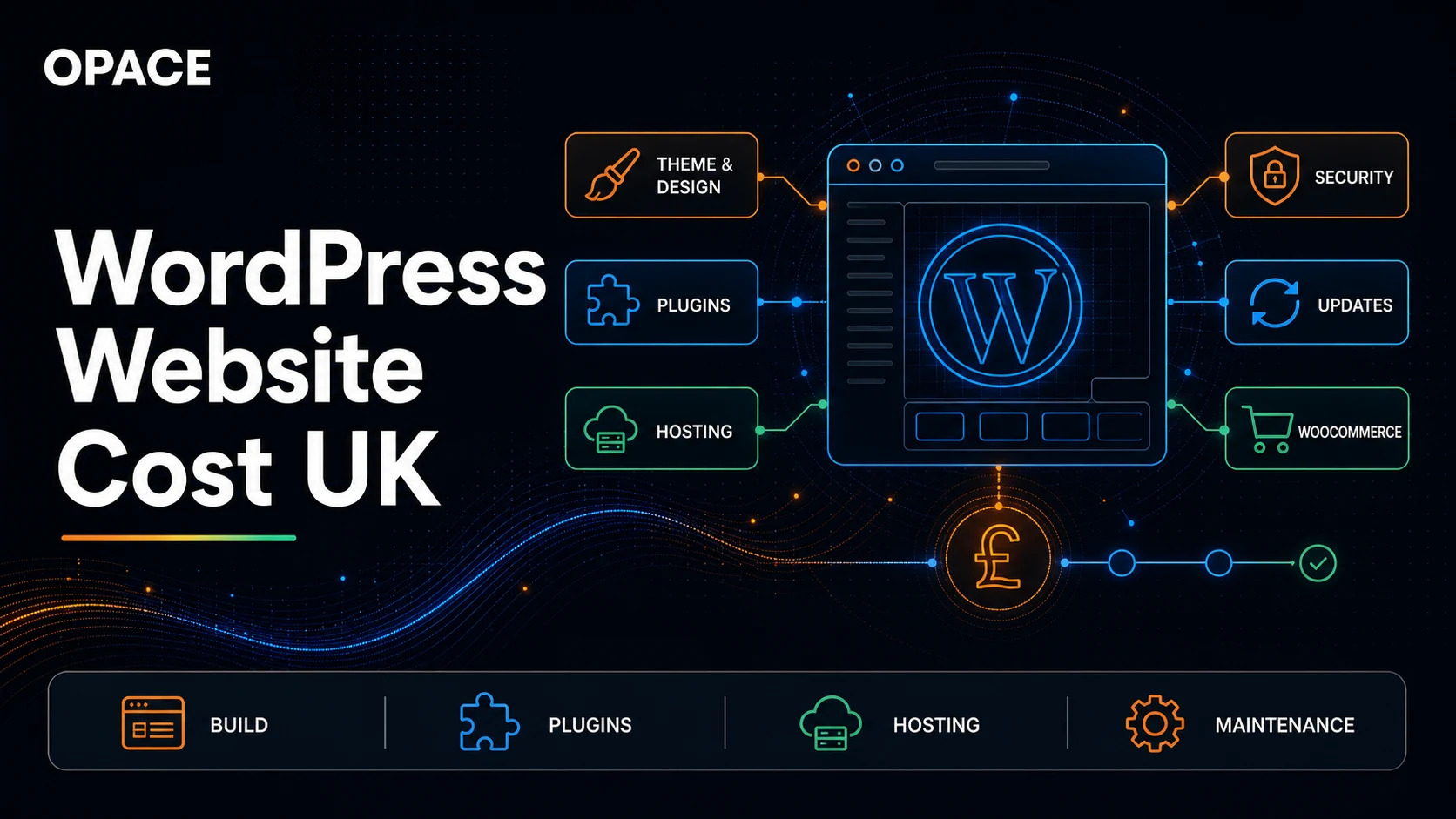
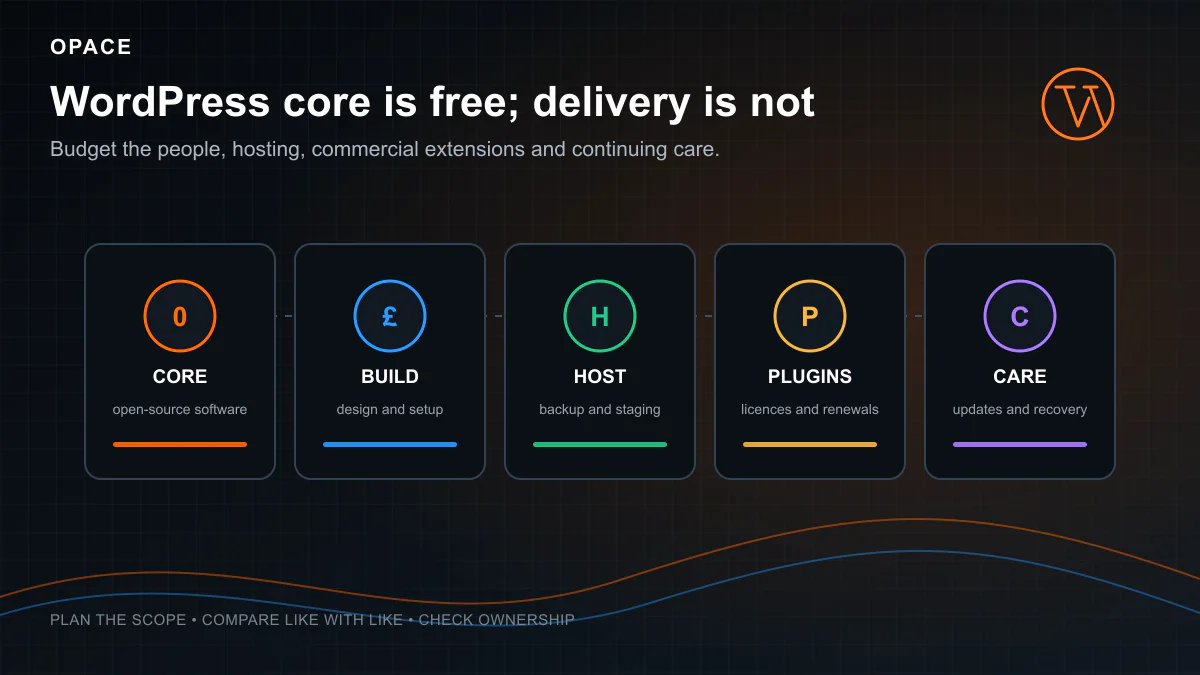
A WordPress website can have a £0 software licence and still cost several thousand pounds to plan, design, build and launch. Opace’s current planning model puts a basic 1-to-5-page brochure website at about £3,700–£8,600 with a freelancer or £5,700–£14,100 with a specialist agency before optional features. A 6-to-30-page business website starts at about £4,900–£13,300 with a freelancer or £7,300–£21,600 with a specialist agency. These are model outputs based on stated person-days and rate evidence, not UK market averages, fixed packages or an Opace quotation.
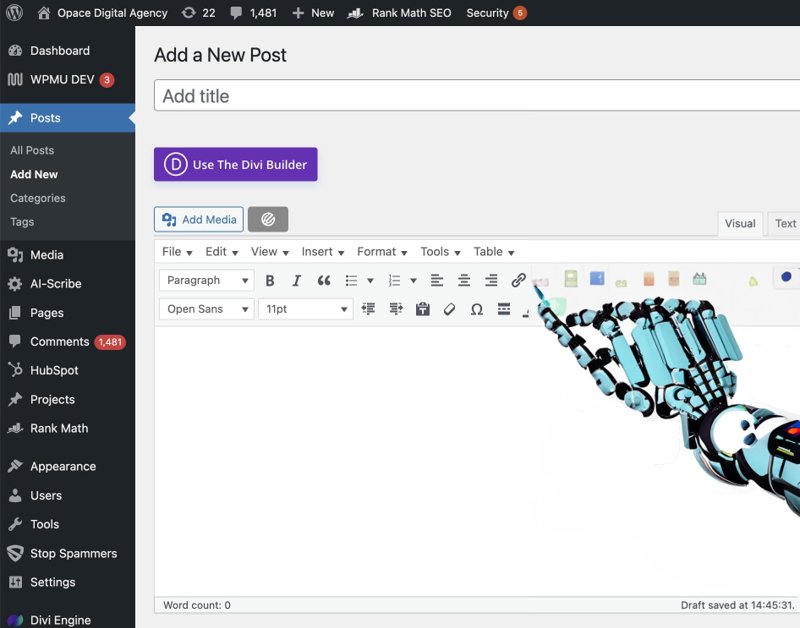
WordPress itself is free GPL software. The bill comes from the work and services around it, including discovery, content, design, configuration, development, migration, hosting, commercial themes or plugins, testing, training and support. A template-led WordPress website with supplied copy sits at a different point from a custom membership platform or a WooCommerce store.
| Cost line | Opace planning basis | What to verify |
|---|---|---|
| WordPress software | £0 licence fee | Download source, licence and supported release |
| Project labour | Scope days multiplied by the selected supplier’s role rates | Named deliverables, days, rates, revisions and exclusions |
| Web hosting | £4–£100 a month in the model | Live renewal price, traffic, storage, backups, staging and support |
| Domain name | £8–£25 a year in the model | Registrar, suffix, introductory term, renewal and account owner |
| Themes and plugins | £0–£1,000 a year in the model | Required products, billing term, sites covered and renewal rights |
| Maintenance labour | 0, 1–3, 3–8 or 8–20 hours a month | Update process, testing, recovery, response time and included changes |
The WordPress cost model’s hosting, domain and extension figures are editable editorial allowances, not current vendor quotations. Use the UK website cost calculator with WordPress selected, then complete the website type, supplier, design, feature, content and support questions before replacing its allowances with current checkout totals and itemised supplier quotes.
What makes up a WordPress website cost?
The WordPress platform is only one line in a website budget. Most of the initial cost comes from the people needed to turn requirements, content and a visual direction into a tested WordPress website that the customer can operate.
Discovery, structure and content
A short WordPress website may need only a compact brief, navigation plan and supplied content. A larger WordPress website can require user research, search research, content modelling, copywriting, migration rules, redirects and approval across several teams. Page count helps describe volume, but it does not show how many templates, integrations or content decisions are involved.
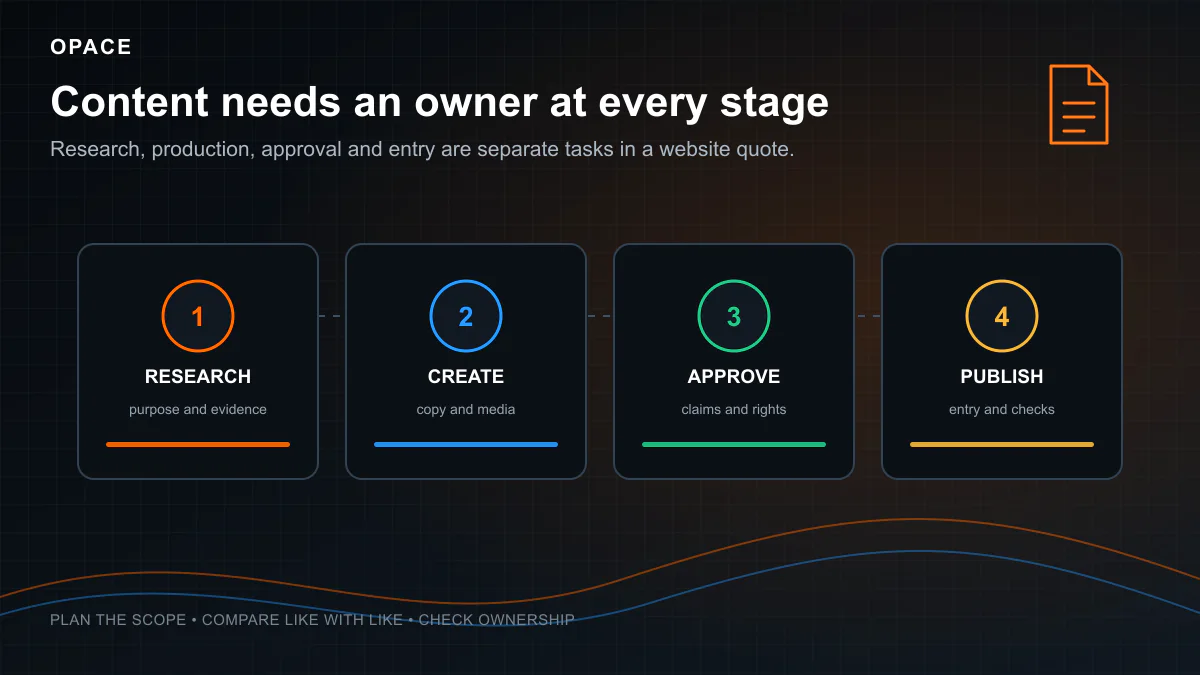
Ask who will research, write, edit, approve and enter every page. Customer-supplied content can reduce the supplier invoice when it arrives in an agreed format and needs little correction. Missing copy, inconsistent images and late approvals can instead consume project time that was expected to fund design or development.
Theme-led, semi-custom or bespoke design
The official WordPress theme directory provides free themes that can be downloaded without a licence fee. That does not make the finished WordPress website free. Someone still has to select a suitable WordPress theme, configure its settings, create page layouts, prepare images, apply the brand, check responsive behaviour and test accessibility.
A premium theme may add an annual licence or a one-off purchase, depending on its supplier’s current terms. Free themes and premium themes both need review against the required layouts, editor controls, accessibility and update history. Record whether the quote covers a pre-existing WordPress theme, a child theme, custom blocks or a fully custom theme, as each route creates a different maintenance and handover requirement.
Development, configuration and quality assurance
WordPress can provide pages, posts, users, media and editorial roles without custom development. Business requirements often add contact forms, search, multilingual publishing, memberships, bookings, feeds or links to other systems. All the features in the scope create states to design, configure and test, including validation, failure messages, permissions and recovery.
Ask the web designers and developers to name the supported browsers and devices, form journeys, accessibility checks, performance work and acceptance evidence. Calling a WordPress website “responsive” or “SEO ready” does not define what was tested or delivered. Put the checks in the scope and link payment milestones to accepted outputs.
How the WordPress pricing ranges were calculated
Opace’s WordPress pricing model begins with person-days for discovery and project management, UX and visual design, development and configuration, content and search preparation, quality assurance, launch, training and handover. It applies UK freelancer and agency role-rate references, then adds the selected design, content, feature, migration and support choices.
The base 1-to-5-page brochure scope allows 8.5–17 person-days. The 6-to-30-page business scope allows 11–26.5 person-days. Selecting WordPress does not automatically increase or discount those days because the implementation still depends on the theme, blocks, content, integrations and acceptance criteria.
The ranges in the opening section are the same transparent outputs used in the broader guide to how much a website costs in the UK. They exclude VAT and optional additions. The model can add the current 20% standard UK VAT rate, but buyers should check whether each real quote or checkout includes VAT before comparing totals.
No reliable national dataset defines an average WordPress website with a fixed page count, feature set and accepted scope. Presenting one low headline price as the normal UK cost would hide those differences. A useful comparison shows the estimated days, role rates, third-party charges, customer dependencies and recurring ownership costs.
Which WordPress build route fits the budget?
The cost of a WordPress website depends partly on who assembles and operates it. A small business owner can build a WordPress website using self-hosted software, buy a hosted plan, hire a freelancer or commission a WordPress agency. Each route moves work and responsibility between the customer, web hosting provider and delivery team, so the lowest first-year invoice may not produce the lowest ownership cost.
Build a self-hosted WordPress website yourself
The self-hosted WordPress.org route starts with free open-source software, but a working WordPress website still needs a domain name and web hosting. Shared hosting may suit a simple blog or small business brochure site when its server resources, backup process and support match the expected traffic. The owner must also install WordPress, choose a free or premium theme, configure the WordPress site’s design and add any required WordPress plugins.
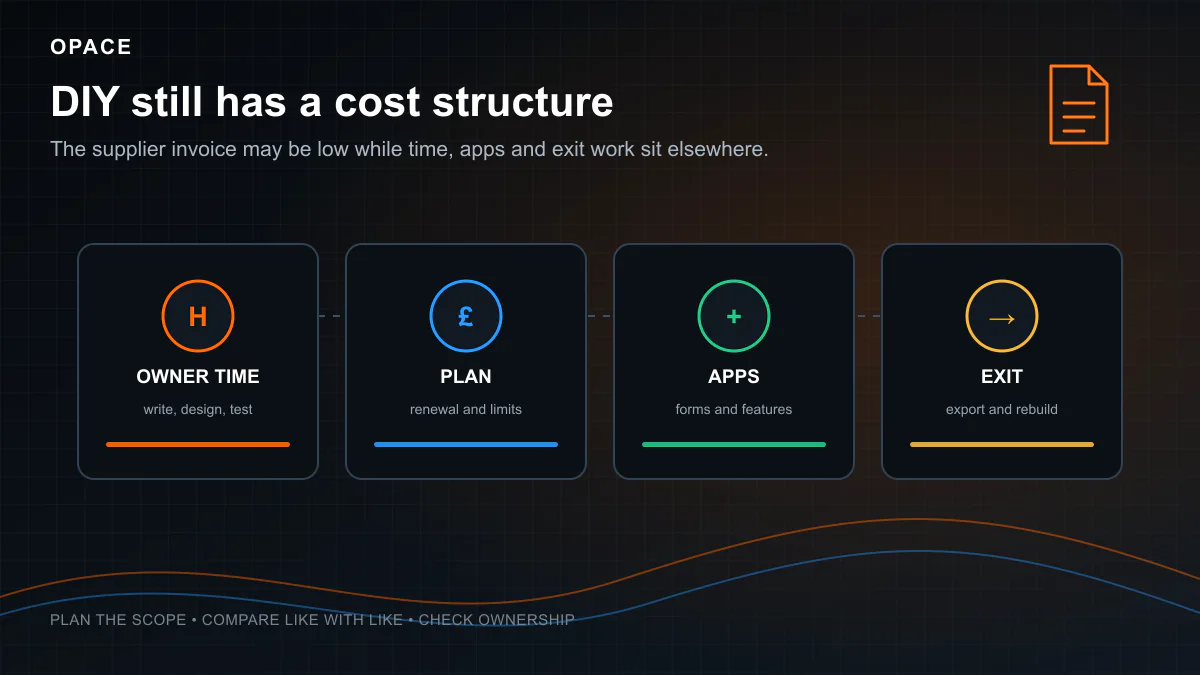
DIY work does not appear as supplier labour on an invoice, although it still takes development time and requires technical judgement. Budget separately for a hosting plan, domain name renewal, premium plugins, content creation and any expert support needed when something breaks. Compare the normal renewal price, not the introductory offer, before treating a free domain or discounted hosting term as a saving.
Choose a hosted WordPress plan
WordPress.com combines the website builder and managed hosting in a hosted service, a form of managed WordPress hosting. Its official WordPress.com and WordPress.org comparison explains that WordPress.com plans include hosting, while self-hosted WordPress.org requires a separate hosting provider. WordPress pricing, plugin access, custom themes, storage and support differ, so check the current UK checkout and renewal terms rather than using a price copied from an old comparison.
This managed hosting route can give a new WordPress website a faster start because several technical tasks are included. It can also restrict advanced WordPress features or custom functionality to particular paid plans. Compare the WordPress pricing with the costs of self-hosting, and confirm how the WordPress website, domain and content can be moved later.
Hire a freelancer or WordPress agency
A professional site built with WordPress normally includes more than software installation. The supplier may cover discovery, custom design, a content management system, theme or block development, contact forms, migration, testing and launch. The modelled WordPress website cost therefore reflects the agreed person-days as well as hosting and software charges.
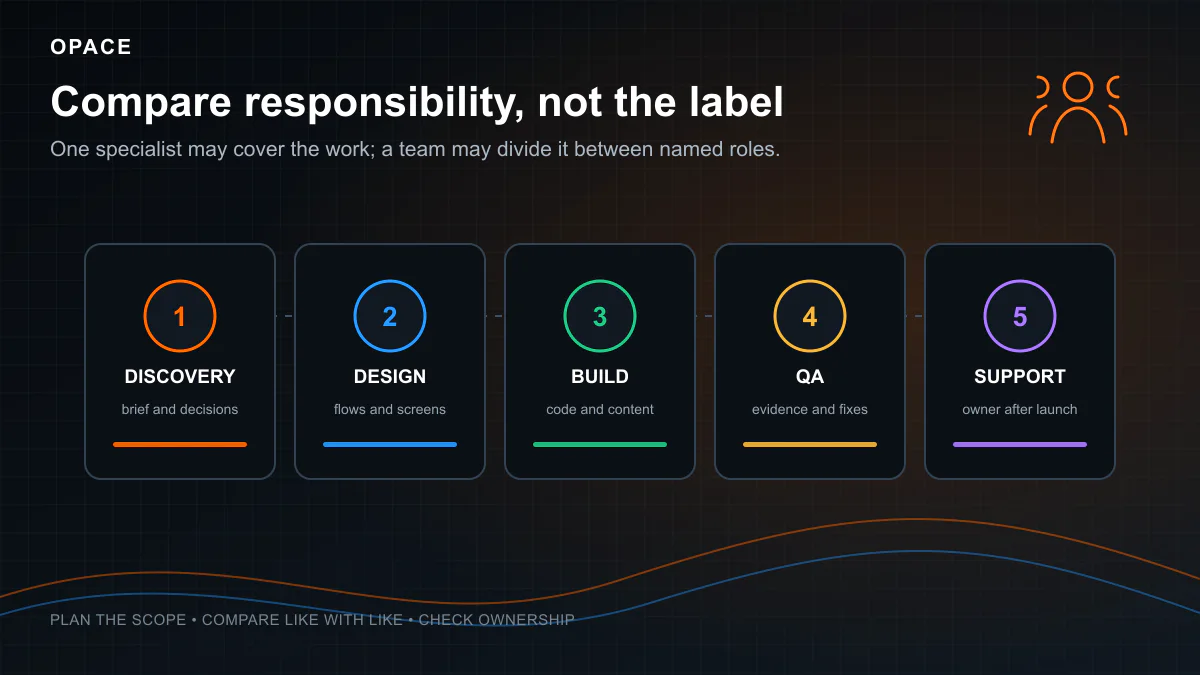
The supplier scope determines the useful comparison. A freelancer may be a sensible fit where one person can cover the required design and development work. A WordPress agency may assign separate specialists to research, design, development, content and quality assurance. Ask both routes for the same deliverables, dependencies and acceptance checks before comparing their development costs.
Commission custom WordPress development
Custom WordPress development becomes relevant when a standard theme and plugin combination cannot meet the requirement safely. Examples include unusual publishing workflows, private member areas, external-system integrations and complex permissions. These WordPress features need technical design, development, test data, failure handling and documented handover, not simply a larger list of add-ons.
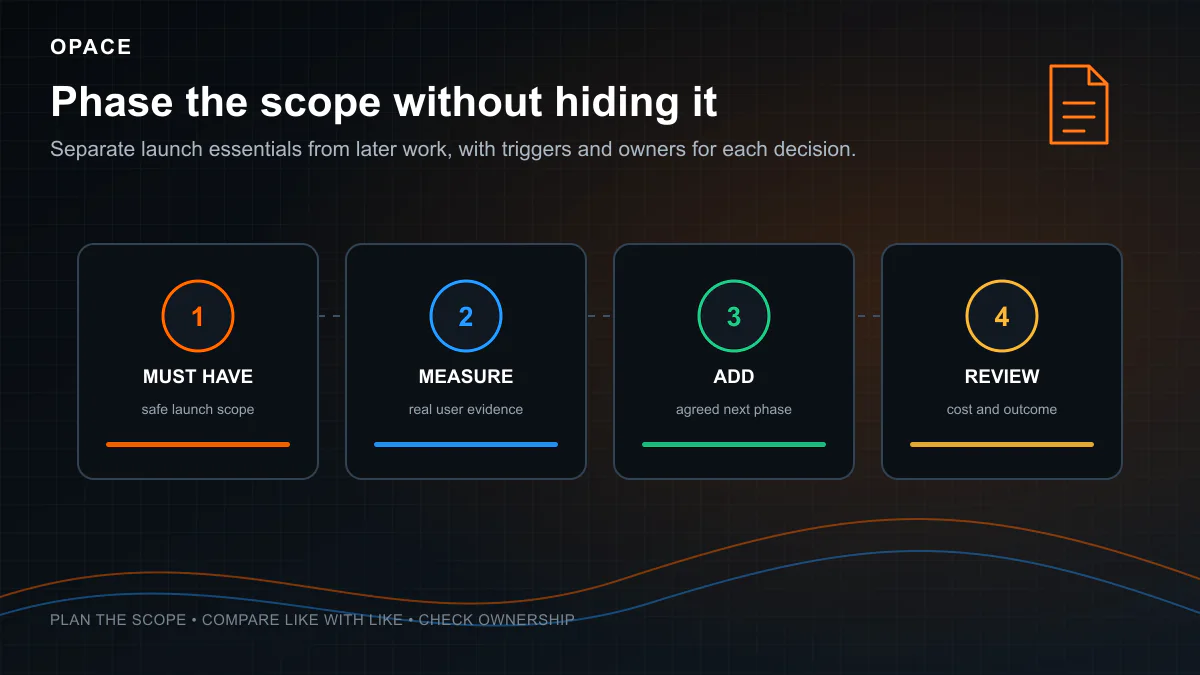
Price the first WordPress website release before optional phases. Start with a prioritised scope and price later features separately. That keeps the cost of the first fully functional WordPress website visible and gives suppliers a clearer basis for estimating development time and recurring costs.
The next phase should have a named owner, evidence trigger and fresh estimate rather than being hidden inside the launch allowance.
Web hosting is more than a monthly headline
WordPress needs a web server and database. The official WordPress hosting documentation distinguishes generic web hosting from WordPress hosting, which may include pre-installation, backups, updates or developer tools. Managed hosting must be judged by the named service, not the label.
Shared hosting, managed hosting or dedicated hosting
Check the WordPress hosting plan against the actual WordPress site. Storage, visits or bandwidth, PHP workers, database resources, staging environments, backup frequency, restore access, email delivery, content delivery networks and technical support can all affect fit. A managed hosting plan for a small business WordPress site may not suit a busy store, membership service or integration-heavy site.
The web hosting account should normally be visible to the customer, even where an agency administers it. Record who controls billing, the domain name, DNS, certificates, backups and support tickets. Ask how the WordPress website can be moved, whether the website’s files and database will be supplied, and whether the destination host needs paid migration work.
Free automated TLS certificates are available from Let’s Encrypt, and many hosts include them. There may still be labour involved in DNS changes, HTTPS configuration, redirect checks and renewal monitoring. Managed hosting can include some of that work, but a free certificate does not make the wider service free.
WordPress themes, plugins and licence renewals
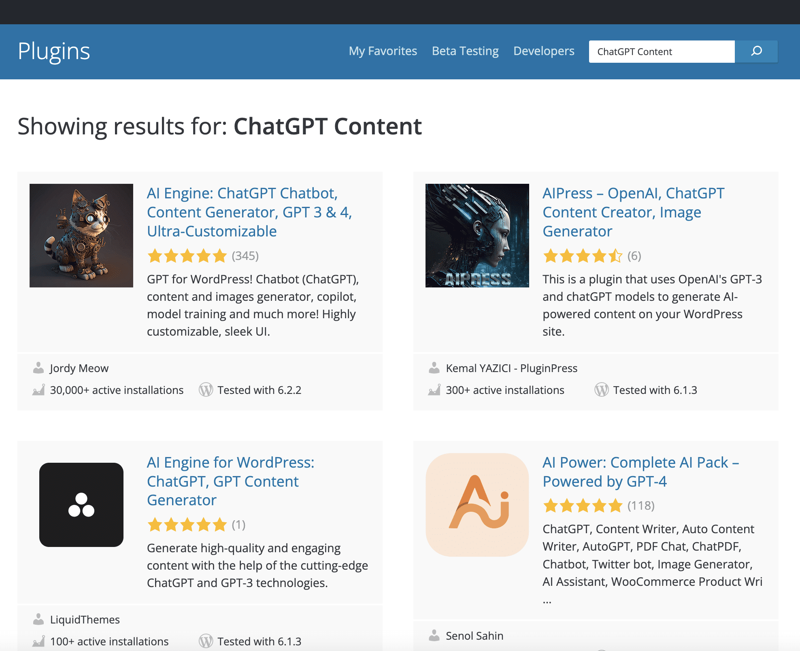
The official WordPress plugin directory contains extensions that can be installed without a purchase price. Commercial products may charge by site, feature, usage or billing period. A WordPress website may also depend on a paid service reached through a free plugin, such as email delivery, translation, search, booking or form processing.
Build a component register before accepting the quote. Whether the WordPress website uses free themes or a premium theme, record each theme, plugin and connected service:
- Purpose and business owner - Explain why it is required and who approves changes.
- Supplier and account - Record where it was obtained and who controls the login and billing.
- Current licence terms - Note the number of sites, renewal period, usage limits and support entitlement.
- Data and permissions - Identify personal data, external transfers, administrator access and stored credentials.
- Update and test route - State how changes are checked, deployed and reversed.
- Replacement or exit - Explain what stops working if the product expires or is removed.
Do not judge cost or risk by plugin count alone. One extension connected to payments, customer records or a stock system can require more assurance than several presentational plugins. Unused plugins should be removed rather than left installed, and software should come from trusted sources. The official WordPress hardening guidance advises using the WordPress.org repository or well-known companies for themes and plugins.
Maintenance, security and recovery
The WordPress update guidance tells site owners to back up the database and files before updating. Core, themes and plugins can change on different schedules, so an ongoing maintenance service should explain whether updates are automatic, reviewed or tested on a staging copy first.
Backups must cover both the database and site files. The official WordPress backup handbook describes these as distinct parts of a recoverable WordPress website and recommends keeping recent copies in different locations. Ask when a restore was last tested, who can start it and what recovery time the provider is prepared to support.
Security responsibilities cross the host, developer and customer. The host looks after infrastructure within its service boundary. The WordPress site owner still needs controlled administrator access, current software, reliable backups and an incident route. The ICO’s UK GDPR security guidance requires appropriate technical and organisational measures where personal data is processed, rather than prescribing one WordPress product.
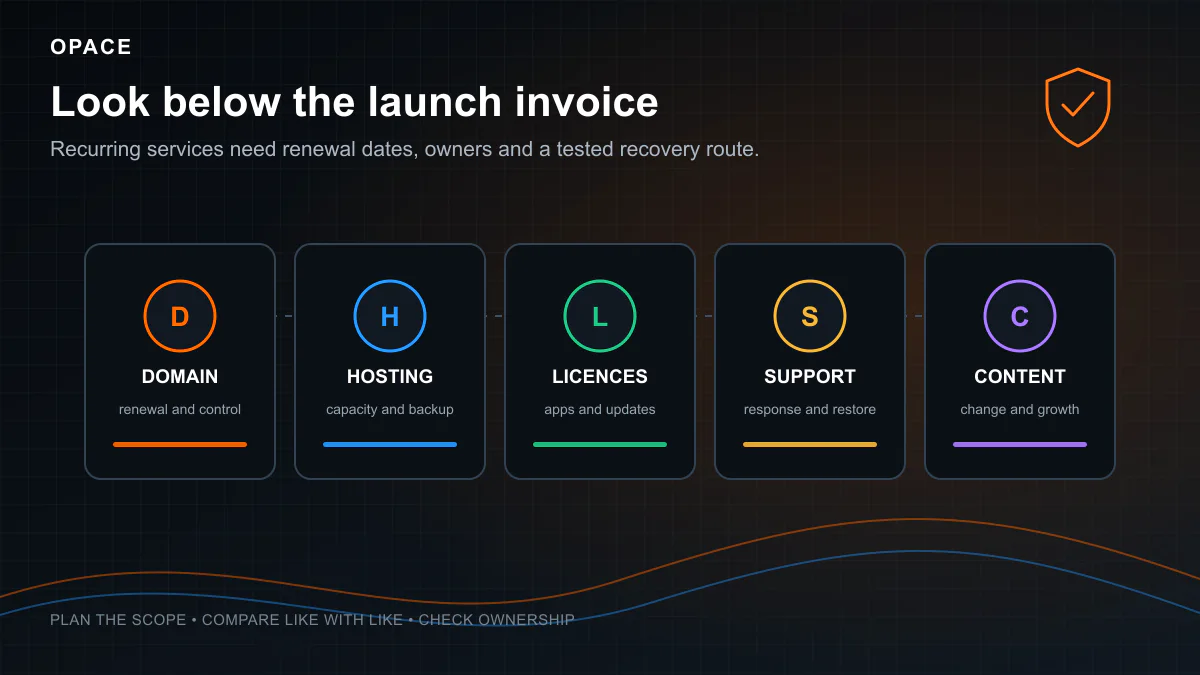
The recurring budget should separate WordPress hosting, domain name renewal, licences and labour. Our full UK website maintenance cost guide explains how to compare support hours, update processes, response targets and three-year ownership budgets.
When WordPress becomes a WooCommerce project
WooCommerce is a WordPress extension for selling products and services. Once an eCommerce site takes orders, the scope goes beyond adding a shopping-basket page. Catalogue structure, product variants, payment services, tax, shipping, stock, transactional email, refunds and customer support become part of the project.
The official WooCommerce server recommendations specify current WordPress, PHP, database, HTTPS and memory expectations. Hosting sized for a brochure site may therefore be unsuitable for a store. Extensions and integrations also need compatibility checks, update testing and operational ownership.
Payment security does not end when a hosted gateway is selected. WooCommerce’s PCI-DSS documentation says requirements can apply across hosting, plugins, access, updates and security scanning. Obtain appropriate professional advice for the real payment flow and contractual responsibilities.
The separate guide to eCommerce website costs in the UK covers store-specific build, catalogue, payment, integration and operating costs. Use this WordPress page for a content or business-site budget unless selling online is a material part of the scope.
Ownership, migration and handover
Domain names, hosting and administrator accounts
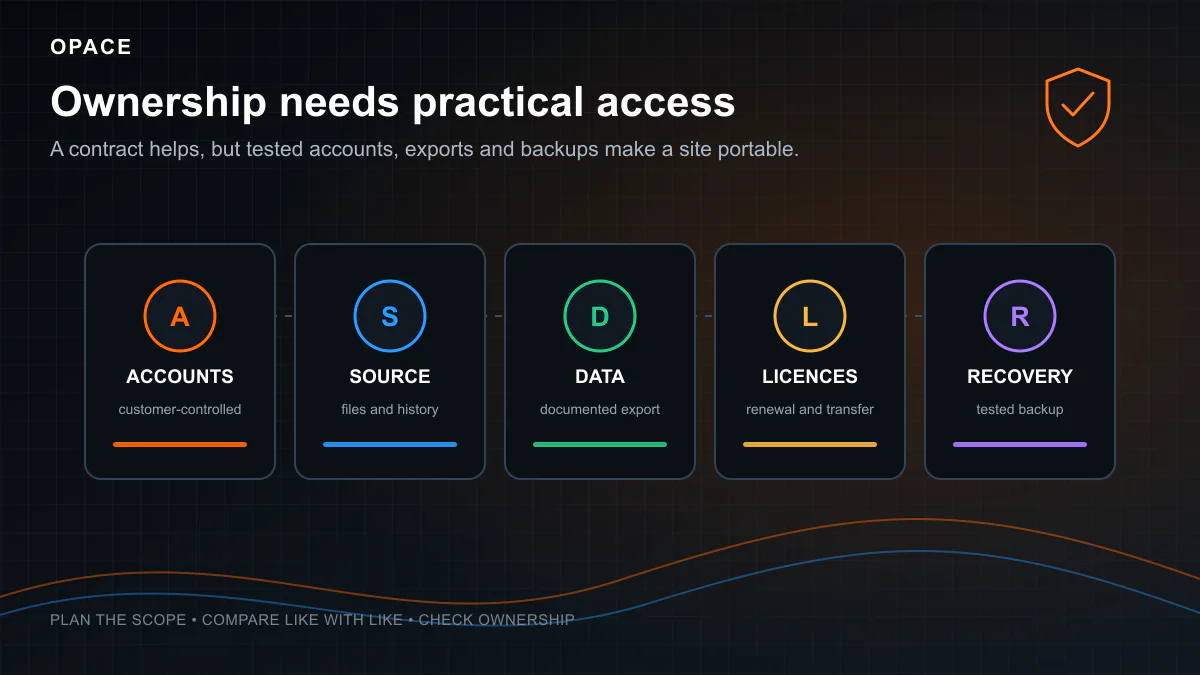
Open-source software supports portability, but a working WordPress website also depends on accounts, data, configuration and documentation. The customer should know who controls each part of their own website: the domain name, DNS, hosting, WordPress administrators, source code, commercial licences, analytics and connected services.
Files, data and handover records
WordPress’s export tool documentation explains that an export can contain posts, pages, custom post types, comments, custom fields, taxonomies and users. That export is useful, but it does not by itself reproduce the active theme, plugins, uploads, server configuration or third-party services. A proper handover needs the database, files, current component register, access route, deployment notes and a tested backup.
Contract terms should confirm which custom work the customer can use, modify and pass to a new supplier, with any third-party restrictions recorded separately. A standard WordPress platform reduces some technical barriers, but no responsible supplier can promise a zero-cost move to an unfamiliar host or team.
How to compare WordPress quotes
Put each supplier’s answer into the same table rather than comparing headline totals.
| Quote item | Evidence to request |
|---|---|
| Scope and templates | Sitemap, page types, content volume, feature list and exclusions |
| People and effort | Named roles, estimated days, rates, subcontractors and availability |
| Design route and premium theme | Theme name and licence, custom components, concepts and revision rounds |
| Content and migration | Customer and supplier responsibilities, item counts, redirects and acceptance checks |
| Plugins and services | Component register, account owner, current cost, renewal and replacement route |
| Quality assurance | Browser, device, accessibility, performance, form and integration tests |
| Hosting and support | Plan limits, backup and restore process, monitoring, response targets and exclusions |
| Handover | Accounts, files, database, documentation, training, warranty and exit support |
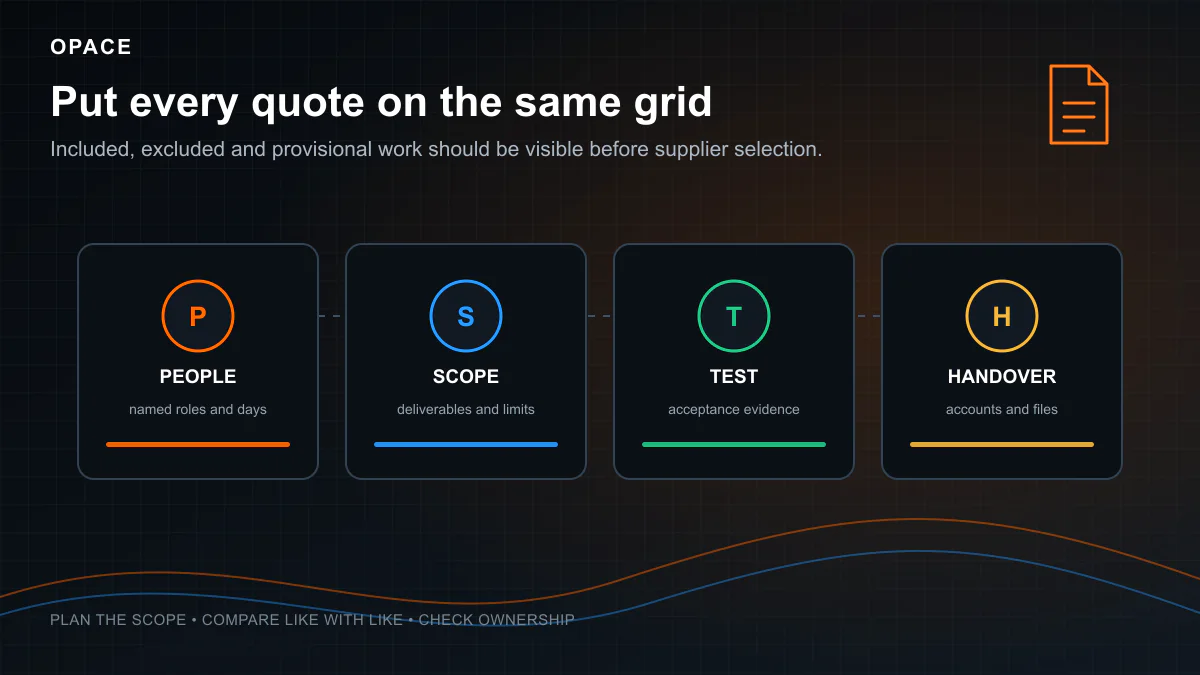
The lower quote may be sensible when the scope is smaller and the customer accepts more responsibility. A higher quote may include original design, content, migration, integrations, broader testing and ongoing support. Price does not prove that those tasks are present, so require written deliverables and acceptance evidence.
If the project is a straightforward small business WordPress site rather than a platform-led decision, the small-business website cost guide provides a buyer-focused scope and quote checklist. Opace’s WordPress development service explains our own commercial capabilities and is not used as evidence for the cost bands on this page.
Frequently asked questions
Is WordPress free for a business website?
The WordPress software is free under the GPL. The cost of a WordPress site can still include a domain, hosting, a free or premium theme, plugins, design, development, content, migration, testing, maintenance and support. A credible WordPress site cost treats the licence price as one line in the budget, not the total.
How much does WordPress hosting cost in the UK?
There is no dependable single average because plans have different renewal prices, resource limits, backups, staging tools and support. The Opace WordPress cost model uses an editable £4–£100 monthly allowance. Replace it with the current checkout for a plan that meets the WordPress site’s measured requirements.
Do I need paid WordPress plugins?
Not necessarily. WordPress.org provides a large directory of plugins available without a purchase price. Paid products may be justified where their features, support, licence and maintenance record fit a requirement. Record the cost and renewal terms of the actual products selected instead of buying an arbitrary plugin bundle.
How much should WordPress maintenance cost?
Price the work rather than the label by checking the Opace model’s allowances of 1–3 support hours a month for basic maintenance, 3–8 hours for fuller support and 8–20 hours for a managed service. The agreement should say whether that time covers updates, staging, regression checks, backups, restores, monitoring, content changes and incidents.
Is WooCommerce included in a normal WordPress website price?
Only when the quote explicitly includes it. A store adds catalogue, checkout, payment, shipping, tax, email and operational requirements. It may also require stronger hosting, paid extensions, migration and wider testing, so compare it as an eCommerce project rather than a standard brochure site.
Sources and limitations
This article was researched and checked on 26 August 2026. WordPress, WooCommerce, hosting and commercial extension requirements can change, so verify the linked official documentation and each supplier’s live checkout before buying.
The project ranges use Opace’s editable website cost model. Its person-day assumptions are calibrated against published UK freelancer and public supplier rate evidence documented in the main website cost guide. Hosting, domain and plugin allowances are planning inputs, not observed averages. The model excludes VAT by default and allows the current UK standard rate to be added.
Primary references used here are the official WordPress licence, hosting, themes, plugins, updates, backups, hardening and export documentation; official WooCommerce server and PCI-DSS documentation; GOV.UK VAT information; ICO security guidance; and Let’s Encrypt certificate information. Every external source linked in this article returned a live page when checked on 26 August 2026.