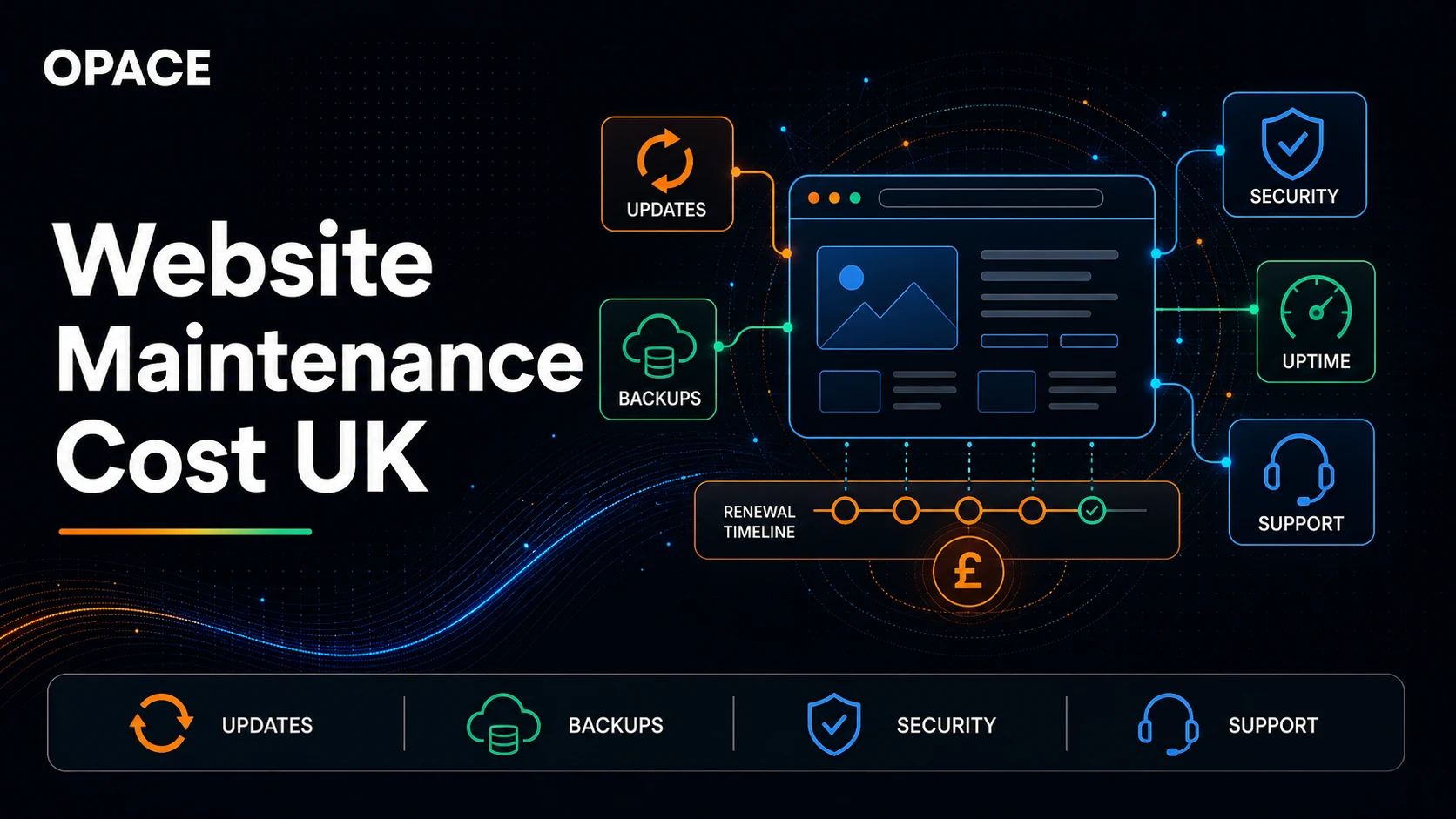
Website maintenance cost in the UK can range from £0 in supplier fees for a self-managed site to several thousand pounds a month for a managed, business-critical service. Our website cost model uses 1–3 support hours a month for basic maintenance, 3–8 hours for fuller support and 8–20 hours for a managed service.
The cash total depends on the supplier’s rate and the tasks included. Hosting, domains, licences, content, SEO and emergency work may sit outside it.
There is no national tariff for maintaining a website. A five-page static site with few changes does not carry the same workload as a busy WordPress website, online store or custom application.
Ask for the service description, response times and exclusions before comparing monthly prices.
| Maintenance route | Modelled time | What the price should make clear |
|---|---|---|
| Self-managed handover | 0 paid support hours | Who performs updates, checks, backups and recovery, and how their time is valued |
| Basic website maintenance | 1–3 hours a month | Routine checks and updates, with stated limits and an incident route |
| Full support | 3–8 hours a month | Wider technical help, response targets and included change time |
| Managed website maintenance | 8–20 hours a month | Proactive technical management, reporting and agreed service coverage |
These are planning allowances from the UK website cost guide, not observed market averages or Opace package prices. Use the UK website cost calculator with basic maintenance selected as an editable starting point, then complete the project questions and compare ownership over one, three and five years.
What changes the cost of website maintenance for a business website?
The cost of website maintenance depends on the work needed to keep the service usable, recoverable and safe enough for its purpose. A professional website that generates enquiries, holds customer data or takes payments needs more careful checking than a personal site with no forms or integrations. The maintenance pricing should reflect that difference rather than relying on the page count alone.
Website maintenance costs also change when responsibility is split between a hosting provider, developer, internal editor and separate digital marketing team. A low monthly maintenance fee can be reasonable when the web hosting plan already covers infrastructure backups and platform updates, provided the remaining website support tasks have named owners. It becomes risky when each supplier assumes another party is watching the same issue.
Platform, integrations and important customer journeys
A content management system, website builder or custom framework creates a different maintenance workload. The useful measure is not the number of components but the number of important journeys and dependencies that need checking after a change.
For most small business websites, that may be the enquiry form and email delivery. For an online store, it may include payment gateways, stock, tax, delivery rules and refunds.
Regular maintenance should therefore follow the business website’s actual use. Record the journeys that would cause lost orders, missed leads or poor user experience if they failed, then agree how often they are checked. This makes professional website maintenance easier to compare because every provider is pricing the same operational scope.
Response cover, maintenance hours and supplier boundaries
Monthly maintenance may buy a task allowance, an agreed response service or both. Ask whether unused hours carry forward, whether urgent work uses the same allowance and whether out-of-hours support attracts a different rate. A plan that includes three hours but offers no incident route is not equivalent to one that reserves technical cover for a serious fault.
The boundary between routine maintenance and ongoing support should be written down. Content edits, new features, search engine optimisation and larger design changes can be valid additional services, but they should not quietly consume the time reserved for updates, backups, security monitoring and recovery.
What website maintenance should include
A website maintenance plan should name the work. The word “care” or “support” does not tell you whether the supplier checks updates on a staging copy, tests a restored backup or only reacts when somebody reports a fault.
Software and dependency updates
WordPress core, themes and plugins change independently. Framework sites also depend on packages, build services and integrations.
Updates should be reviewed for relevance, applied through a controlled process and checked afterwards. The official WordPress update guidance tells site owners to back up the database and files before an update.
Ask whether the maintenance price covers licence renewals, staging, compatibility checks, regression testing and rollback. An automated update can reduce manual work, but it does not prove that forms, payments, search, tracking and page layouts still behave correctly.
Backups and tested recovery
A backup has limited value until somebody can restore it. Define what is copied, how often it is copied, where it is stored, how long versions are retained and how recovery is tested. WordPress publishes separate backup guidance for database and file content because both may be needed to recover a site.
The maintenance agreement should also state the recovery point and recovery time the supplier is willing to support. A brochure site may tolerate a slower restore than an online store taking orders. Higher expectations can require more frequent backups, monitoring and specialist availability.
Uptime, security and fault monitoring
Monitoring can check whether a page responds, whether a certificate is close to expiry or whether a scheduled job has failed. It cannot guarantee that every customer journey works. A site may return a successful status while its contact form, checkout or search is broken.
Agree which technical and user journeys are monitored, who receives an alert and what happens next. The UK National Cyber Security Centre’s asset-management guidance stresses the need to know which systems and services an organisation relies on. A website service register should cover the domain, DNS, hosting, code, CMS, extensions, email delivery, analytics, consent system and external integrations.
Security monitoring also needs an action route. A scan may identify security vulnerabilities, but the maintenance service should state who assesses severity, tests the fix and confirms that the site still works. The NCSC’s vulnerability-management guidance treats updates as a normal operational control and recognises that testing may be needed where an update could disrupt a system.
Broken links, failed scheduled tasks and expiring certificates are less dramatic than an outage, yet they can still restrict access for search engines or stop a customer completing a task. Website maintenance services should record which alerts were reviewed, what was corrected and which security risks or defects remain open.
Content and accessibility checks
Routine maintenance may include correcting contact details, team information, opening hours, legal links and outdated claims. It does not automatically include writing new pages, professional photography, search research or campaign work. Put an allowance or separate rate against content changes.
Accessibility can regress when templates, plugins or content change. Define whether the plan covers automated checks, keyboard and screen-reader review, document accessibility and remediation.
Public-sector organisations have specific duties described in the GOV.UK accessibility requirements. Other organisations should take advice on their own legal obligations and still treat accessible operation as a quality requirement.
Costs that may sit outside the website maintenance fee
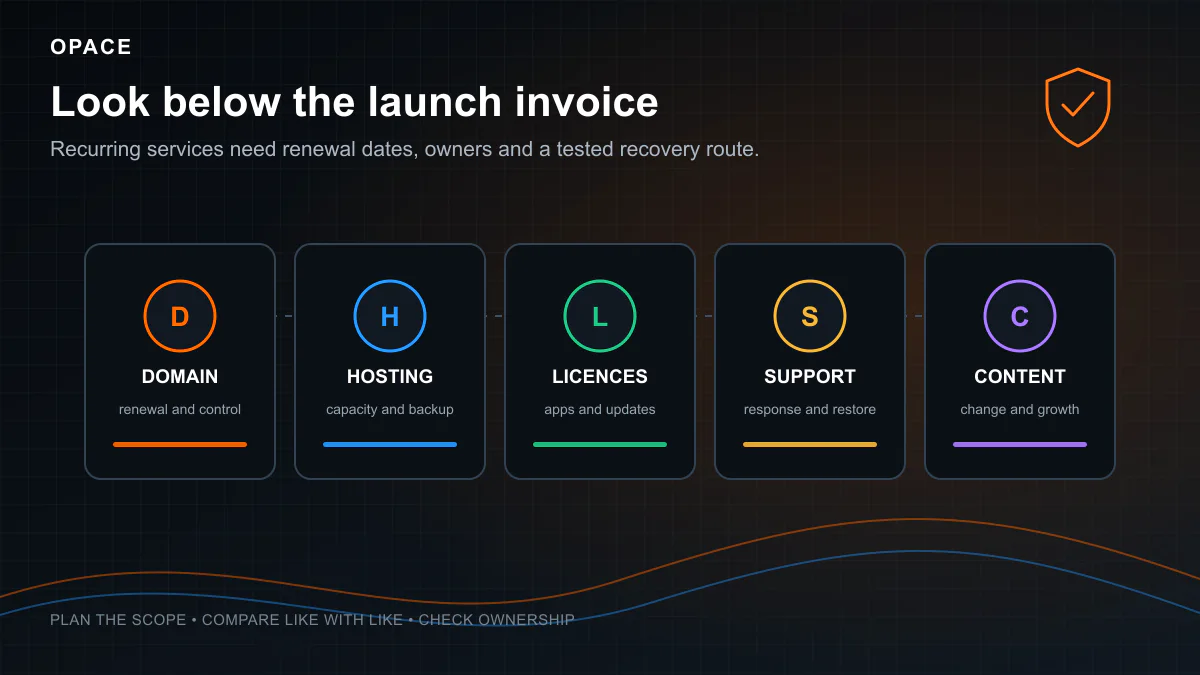
Many apparently cheap plans cover only a narrow technical task. These recurring costs should appear separately unless the agreement explicitly bundles them.
| Cost line | Typical basis | Question for the supplier |
|---|---|---|
| Domain name | Annual or multi-year renewal | Which account owns it, and what is the non-promotional renewal price? |
| Web hosting | Monthly or annual plan, sometimes usage-based | Are backups, staging, CDN, email and support included? |
| TLS certificate | Often free, sometimes bundled or commercially issued | Who configures and monitors renewal? |
| Themes, plugins and apps | Annual, monthly or usage-based licence | Who owns the licence and what happens if it expires? |
| Business email | Per-user subscription | Is email separate from the web host, and who supports delivery issues? |
| Content changes | Included hours, retainer or separate quote | What qualifies as an edit rather than new design or development? |
| SEO and digital marketing | Project, retainer and sometimes media spend | Which outputs and reporting are included, and is development separate? |
| Incident work | Included response, prepaid hours or emergency rate | What response time applies outside normal hours? |
Nominet’s wholesale fee schedule provides a useful floor for .UK registry charges, but the retail domain price also includes registrar margin and may use an introductory offer. Let’s Encrypt provides free automated TLS certificates, although hosting, setup, monitoring and incident response still cost time or money.
How platform choice changes website maintenance
Website builders
Wix, Squarespace, Shopify and other hosted platforms maintain much of the underlying service. The website owner still has responsibility for content, user access, apps, analytics, consent, domain renewal and operational checks. Platform status and supplier support do not confirm that your particular form, catalogue or third-party integration works.
Check the required paid plan, app renewals, transaction or usage charges and export route. A provider-managed platform can reduce server administration while creating a different migration dependency.
WordPress and open-source CMS
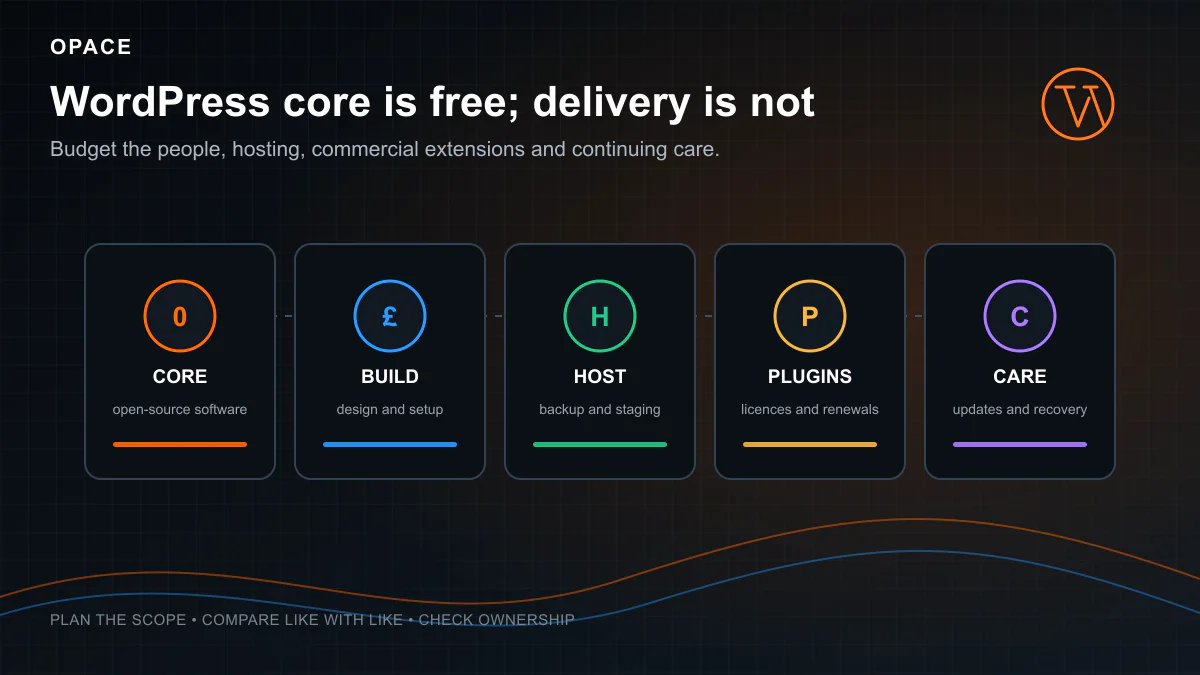
WordPress maintenance often covers core, theme and plugin updates, backups, malware or integrity checks, uptime monitoring and technical support. The site’s plugin count is not a reliable price measure. One business-critical integration can require more care than several simple extensions.
Ask for a component register and test scope. Managed hosting may include automated backups, caching and platform assistance, but the boundary between host support and the developer’s maintenance service must be clear.
Static and framework websites
A static site may have no public CMS database, which removes some routine work. It can still depend on a framework, packages, repository, build service, hosting account, forms, analytics and a content source. Updates, deployment and rollback need an owner.
Low hosting cost does not mean no maintenance cost. If every content correction needs a developer, budget for that workflow. If editors use a headless CMS, include its plan, integration and support.
eCommerce and custom applications
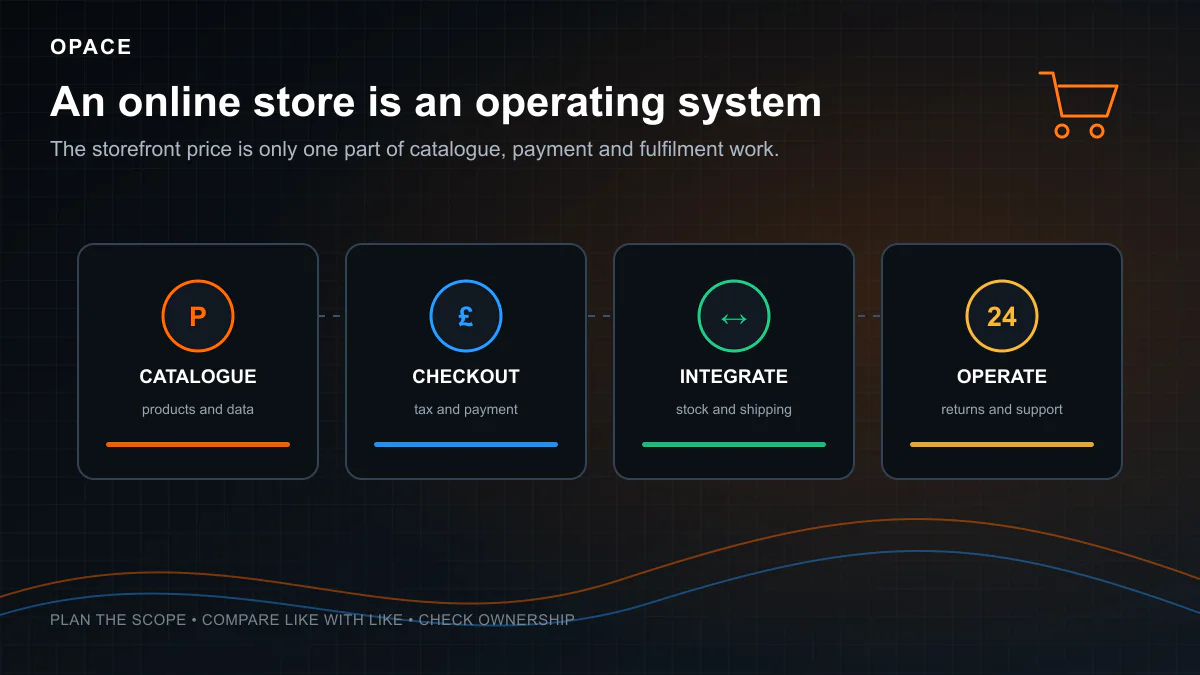
An online store needs operational checking as well as technical updates. Test catalogue imports, checkout, payments, tax, shipping, stock, transactional email, refunds and critical integrations. Custom applications may also need database management, monitoring, incident response, security review and continuing development.
Support hours increase when failures carry financial or customer-service consequences. Define priority levels and response targets instead of assuming a generic monthly plan provides round-the-clock cover.
These website maintenance costs rise with the journeys, data and integrations that need active checking, not simply because the site has a shop or application label.
How to compare website maintenance quotes
Ask each provider to complete the same service table. Compare the website maintenance cost alongside its coverage and response terms so two prices describe the same service.
- Assets and accounts - List the domain, DNS, hosting, repository, CMS, plugins, analytics, email delivery and integrations covered.
- Routine schedule - State which checks run continuously, weekly, monthly or after each change.
- Update process - Define staging, backups, testing, approval, deployment and rollback.
- Backup and recovery - Record frequency, retention, storage, encryption, restore tests and recovery targets.
- Support time - Separate included proactive work, reactive tickets, content changes and unused-hour rules.
- Response targets - Define priorities, working hours, acknowledgement and restoration targets, with any exclusions.
- Licence and hosting costs - Identify which renewals are included, passed through or paid directly by the customer.
- Reporting - Require a short record of updates, issues, hours used, renewals due and unresolved risks.
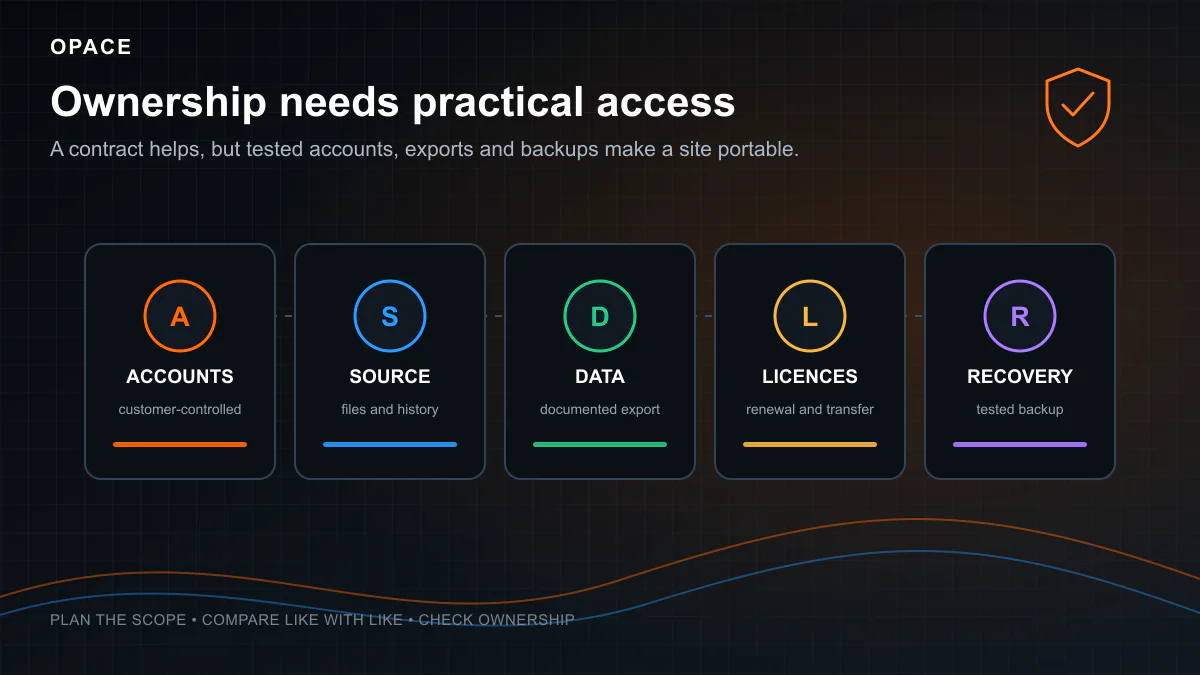
- Exit and handover - Confirm access, current backups, documentation and what the provider supplies when the agreement ends.
Be cautious with “unlimited updates” unless the contract defines the type and size of each request. A fair routine website maintenance plan can limit included hours or tasks. The problem is ambiguity, not the existence of a boundary.
What a monthly website maintenance report should record
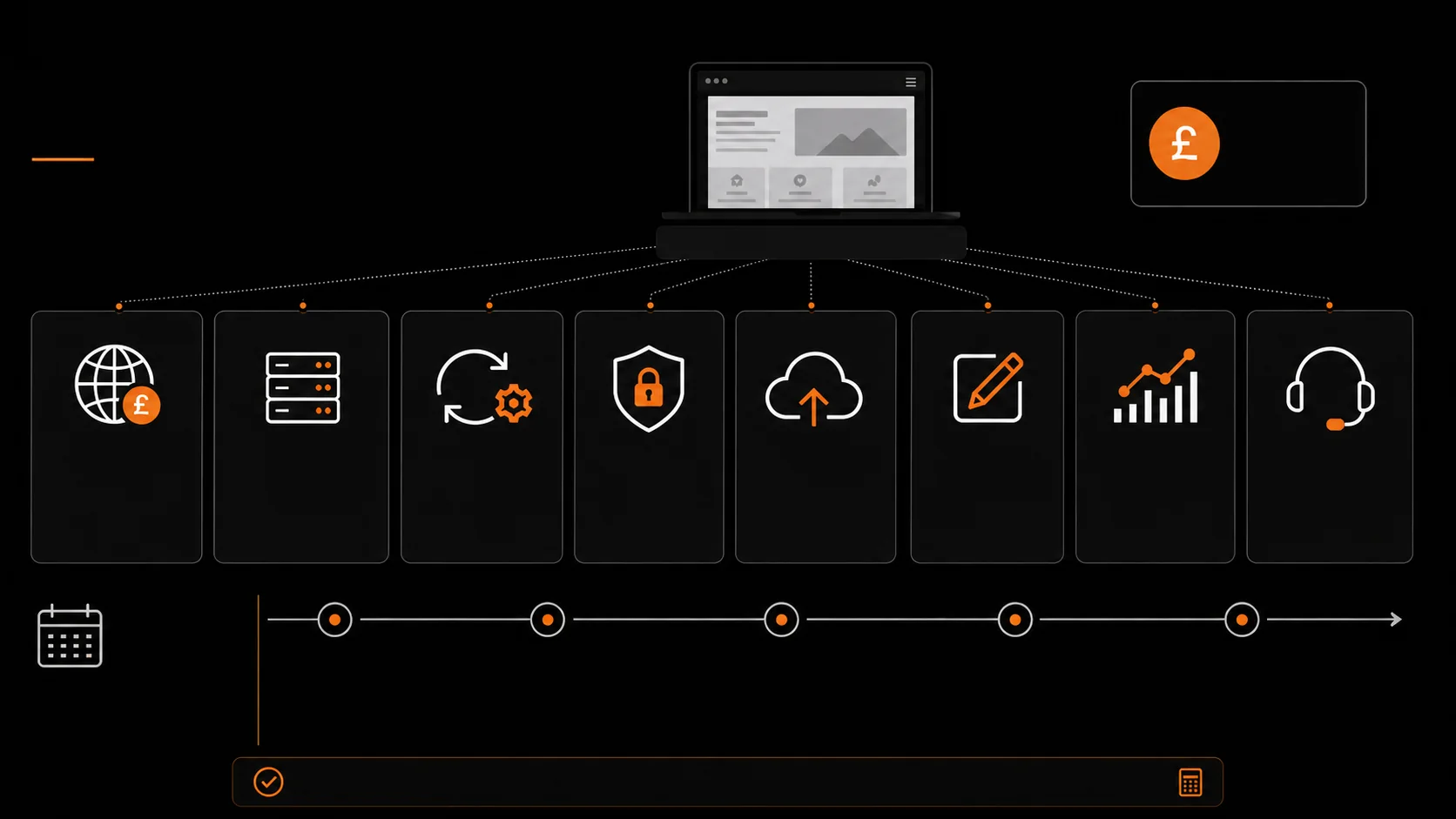
A useful report proves that the agreed website maintenance happened by listing software updates, backup or restore checks, uptime events, security monitoring findings, support time used and renewals due. It should also identify failed checks and work carried into the next period rather than showing every item as complete.
For a business owner, the report should connect technical work to the service that customers use. Note whether forms, checkout, search, account access or other priority journeys were tested. Include any security vulnerabilities that could not be fixed immediately, the temporary control in place and the person responsible for the next decision.
The record also helps compare maintenance packages over time. If most monthly maintenance hours are repeatedly spent on content entry or avoidable hosting faults, the plan may need a different boundary, better tooling or a change of hosting provider. That evidence is more useful than a generic claim that the website was kept up to date.
When ongoing maintenance becomes a separate website project
Routine maintenance keeps an agreed service operating. It is not a substitute for rebuilding an unsupported theme, replacing a failing integration, restructuring a large catalogue or redesigning a customer journey. Put that work into a separate scope so the cost to maintain the current site is not confused with the cost of changing it.
Repeated compatibility failures, obsolete software, inaccessible templates or recurring incidents can make patching more expensive and less predictable than planned replacement. The maintenance provider should use that practical trigger to explain the evidence, immediate security risks and available options without presenting a redesign as the only answer.
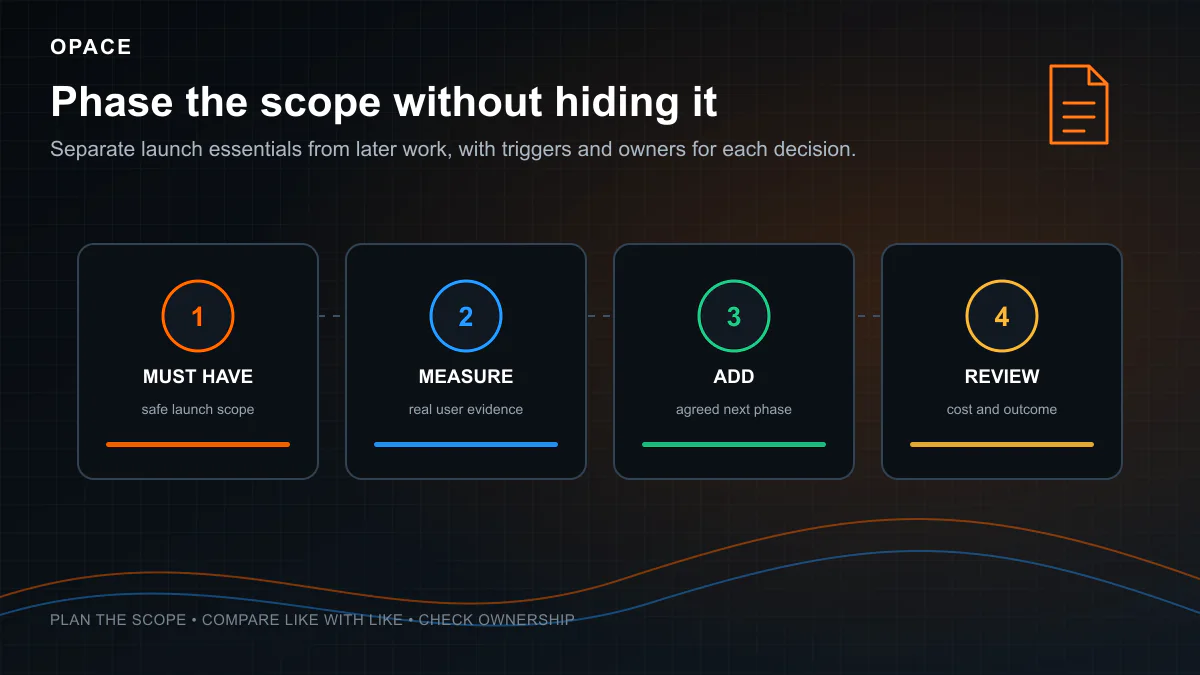
Phasing can protect the maintenance budget while the larger work is assessed. Keep essential fixes and recovery cover in the website maintenance plan, define the first project outcome and leave optional improvements for a later decision. This keeps ongoing costs visible and prevents routine support hours from disappearing into open-ended development.
Building a three-year website maintenance budget
List each cost in its original billing period, then calculate a three-year website maintenance cost without hiding annual renewals inside a monthly headline. Include VAT consistently.
| Budget category | Year 1 | Year 2 | Year 3 |
|---|---|---|---|
| Hosting or platform | Current checkout total | Renewal or current planning allowance | Renewal or current planning allowance |
| Domain | Registration or renewal | Renewal | Renewal |
| Licences and apps | Required annual total | Renewals | Renewals |
| Maintenance labour | Monthly fee × 12 | Monthly fee × 12 | Monthly fee × 12 |
| Planned content work | Agreed allowance | Agreed allowance | Agreed allowance |
| Contingency | Budget decision | Budget decision | Budget decision |
This is a planning view, not a prediction of inflation or supplier price changes, although the current UK inflation rate is a useful reference when you set the contingency line. Review the live checkout, current usage and service performance at each renewal. Keep redesigns, new features, advertising and larger content programmes outside routine maintenance unless they are explicitly included.
Frequently asked questions
How much does website maintenance cost per month in the UK?
There is no single average because the covered hours, platform and response targets differ. The Opace planning model uses 1–3 hours a month for basic maintenance, 3–8 hours for full support and 8–20 hours for a managed service, multiplied by the selected supplier’s rate. Hosting, licences and content may be additional.
Can I maintain a website myself?
Yes, if you have the access, time and competence to handle updates, backups, recovery, monitoring and content. A £0 supplier fee does not make the work disappear. Record who owns each task and what happens during absence or a serious fault.
Does web hosting include website maintenance?
Hosting provides infrastructure and may include backups, platform updates or managed support. It does not necessarily cover the website’s themes, plugins, code, forms, integrations, content or user journeys. Compare the host’s service description with the developer’s maintenance agreement and close any gap.
Is WordPress expensive to maintain?
The cost depends on the configured site rather than WordPress alone. A small site with a controlled extension set may need limited routine work. A store, membership site or integration-heavy build needs broader testing and support. Hosting quality, plugin licences and incident response also affect the total.
Are content updates and SEO included in maintenance?
Only when the agreement says so. Technical maintenance may keep the site updated and recoverable without writing pages, refreshing evidence, tracking rankings or running campaigns. Define the monthly outputs and the development time available for SEO recommendations.
Sources and limitations
This guide uses the support-hour assumptions documented in Opace’s website cost model, researched on 4 and 5 August 2026. Those hours are editable planning ranges, not independent market averages or package prices. Supplier rates, platform plans and renewal charges vary.
Primary references include the official WordPress update guidance, WordPress backup guidance, NCSC asset-management guidance, Nominet’s .UK fee schedule, Let’s Encrypt and GOV.UK accessibility requirements.
For the complete build and ownership context, read how much a website costs in the UK. Opace’s website management service is commercial information about our own support, not evidence for a UK market average.
Related budgets need different detail: see eCommerce website build and running costs, WordPress website costs and renewals and the small-business website budget guide.